An old paper plan can be useful without being complete
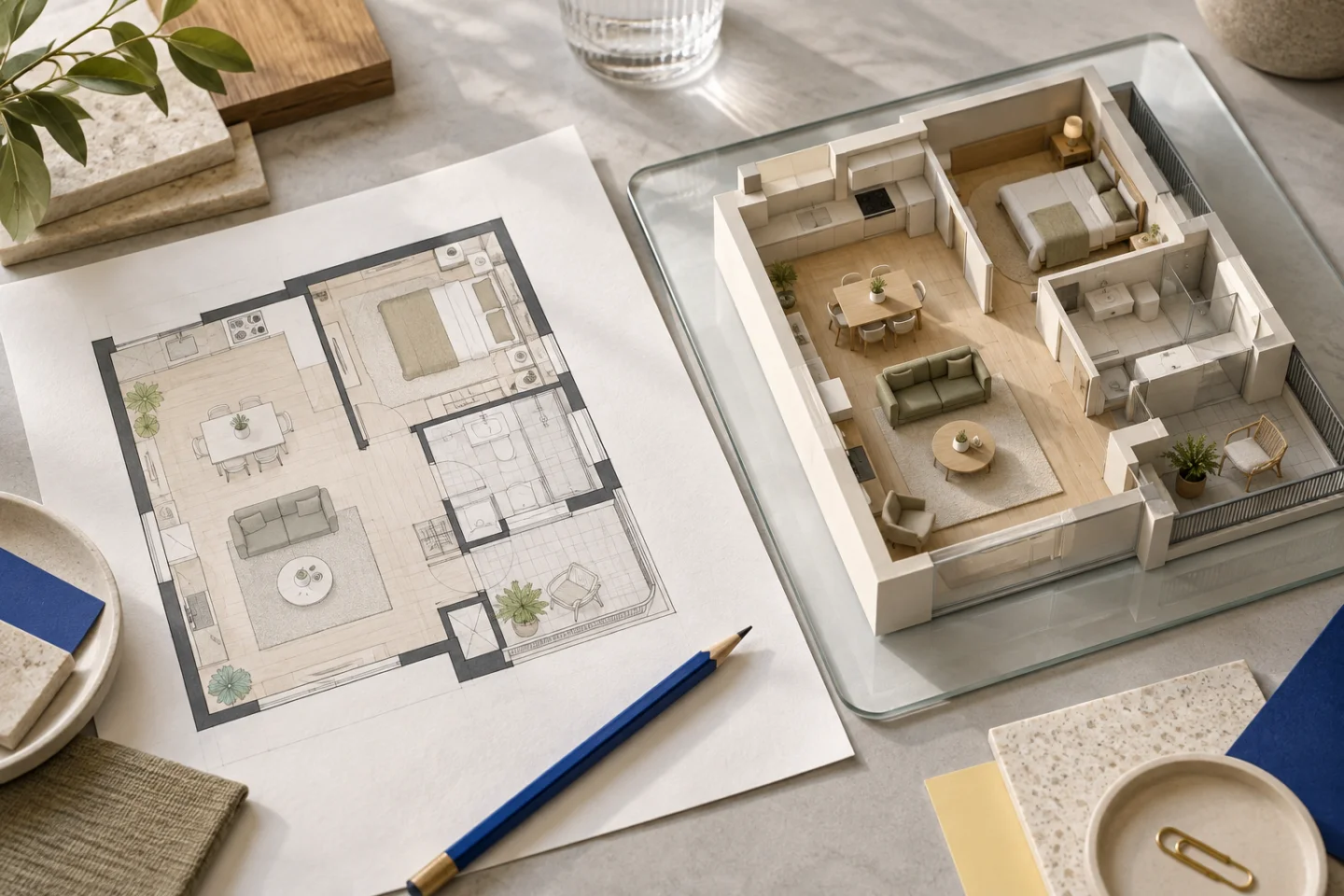
A paper floor plan may be the only drawing available for a house or apartment. It can explain room relationships, openings and labelled dimensions, even when its finishes or furniture are out of date. Before digitising it, check what it represents: an original design, an approved drawing, a later proposal or a record that may no longer match the property.
A 3D visualisation is a way to explore that information, not evidence that the paper describes today’s building. If a wall has changed since the drawing was made, identify the change separately. Avoid presenting a plausible interpretation of a damaged or missing part of the sheet as a confirmed existing condition.
Scan flat where possible; photograph carefully where necessary
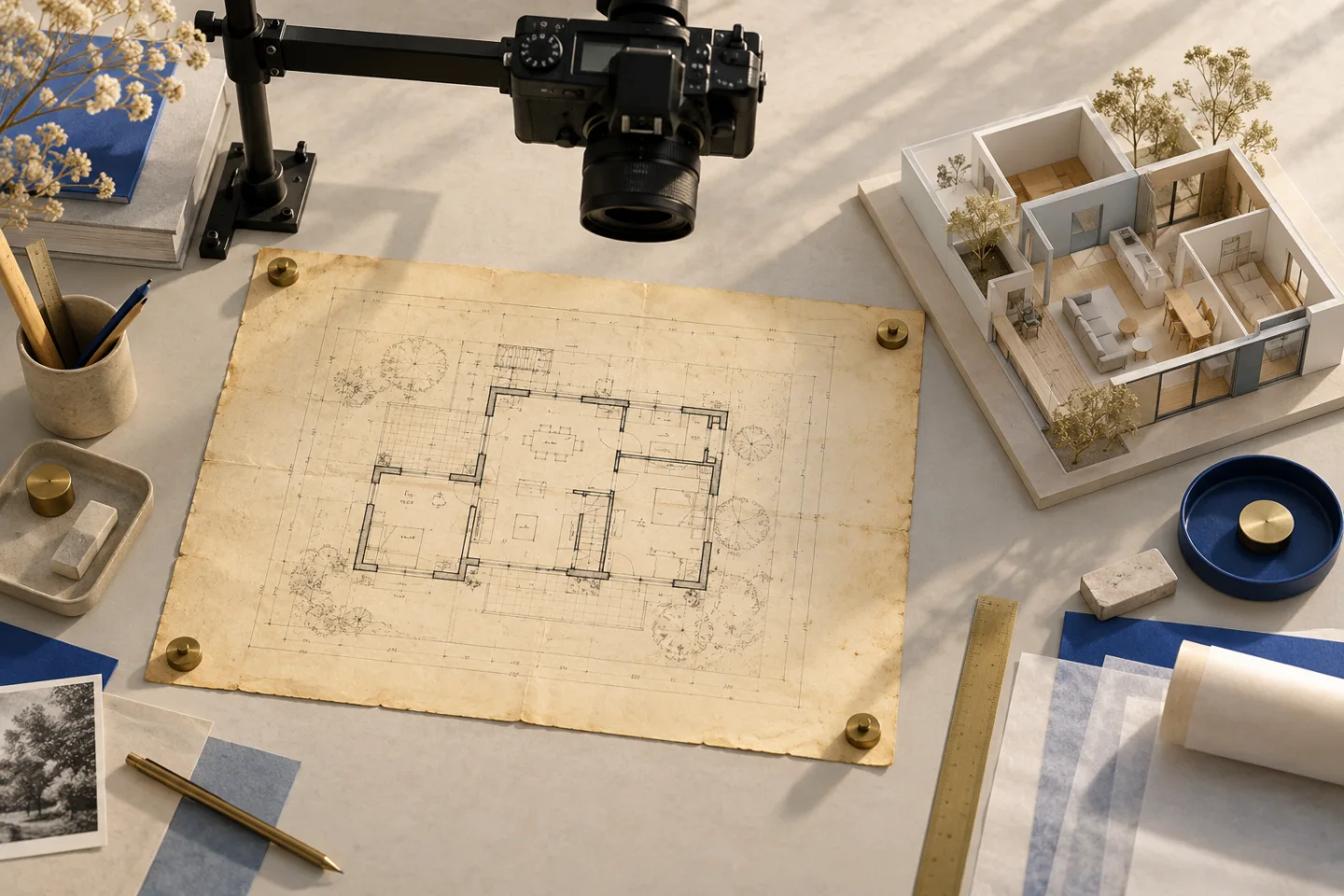
A flat, readable scan is often the simplest starting point. Keep the full plan and its surrounding dimension chains. For a sheet too large for your scanner, a careful overhead photograph may be more useful than a poorly stitched set of partial scans. The aim is to preserve the drawing’s geometry and labels, not to make the paper look new.
For a photograph, use even light, flatten the sheet and keep the camera parallel to the drawing. Check the corners: if the paper becomes strongly trapezoidal, the camera is introducing perspective. Move the camera rather than relying on aggressive correction afterward. Retake an image with a shadow over a critical wall or dimension instead of trying to infer what it hides.
- Identify the drawing and the layout version it shows.
- Flatten the sheet and light it evenly.
- Capture the complete plan square-on.
- Check the smallest dimension labels before saving.
- Keep the untouched scan or original photograph.
Clean the image without changing the architecture
A modest contrast adjustment may make an old sheet easier to inspect, but avoid erasing faint lines or using heavy filters that merge adjacent strokes. A faded wall can be more important than a dark handwritten note. Keep a clean upload copy and an untouched original so that questionable details can still be checked.
If the sheet needs several captures, include enough overlap to understand how they relate and provide an overview. Do not stretch one section to force it to match another. Different scans can have different distortions, and a neat-looking composite may introduce a new dimensional error. If a reliable single-page capture is possible, prefer that.
Add a few reliable measurements
A printed scale label is useful context, but it assumes that the drawing has not been resized or distorted. Add confirmed dimensions in the brief where you have them, especially in both directions of the plan. Keep clear whether a value describes a room’s internal width, a wall centreline or the full exterior footprint. Those are different references.
Room-area labels can help cross-check an interpretation, but an area alone does not define a room’s shape. A narrow rectangle and a squarer room can have the same area. Likewise, a floor plan does not necessarily state ceiling heights or window sill levels. Identify those values as unknown rather than making them sound measured.
Learn from a photographed apartment example
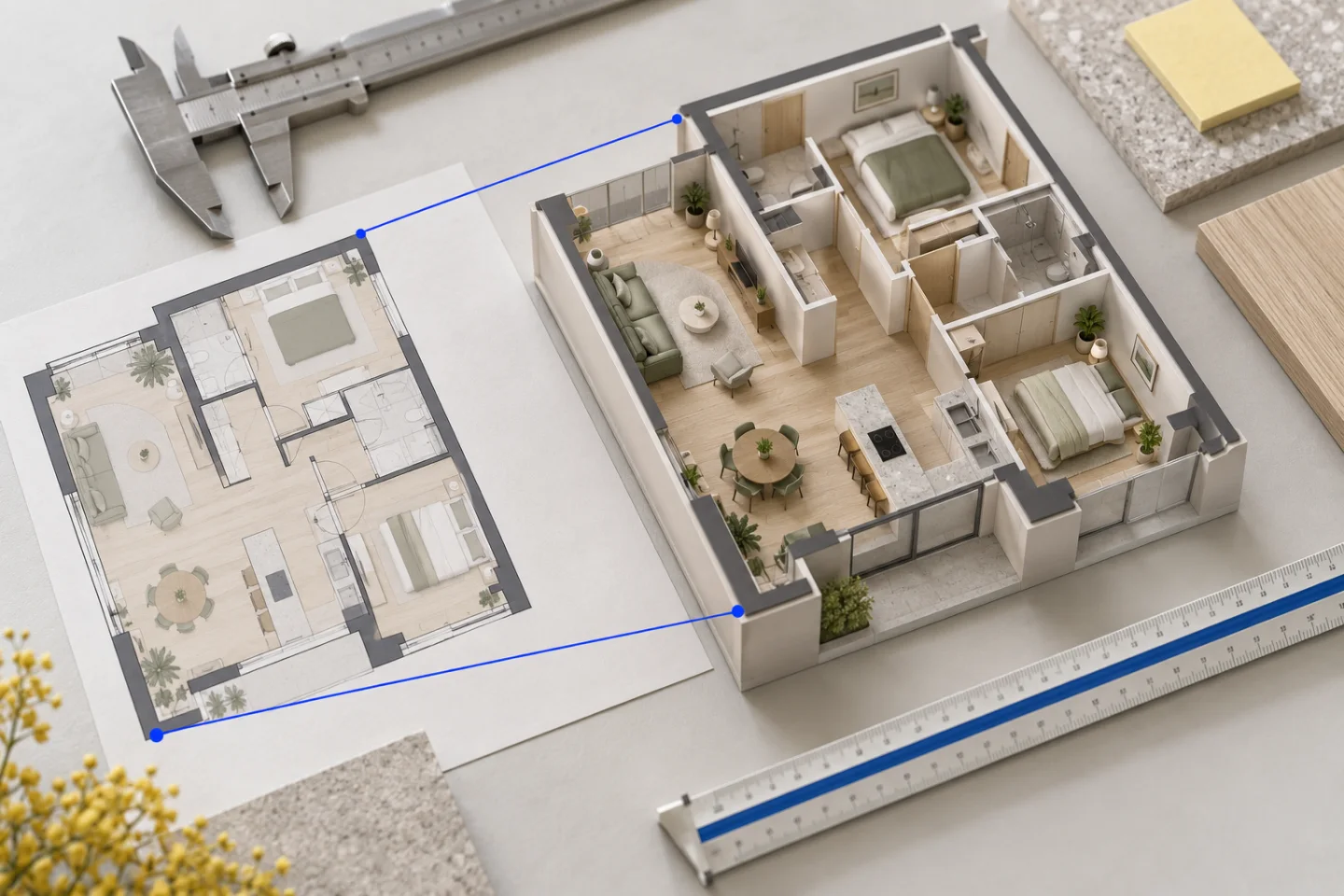
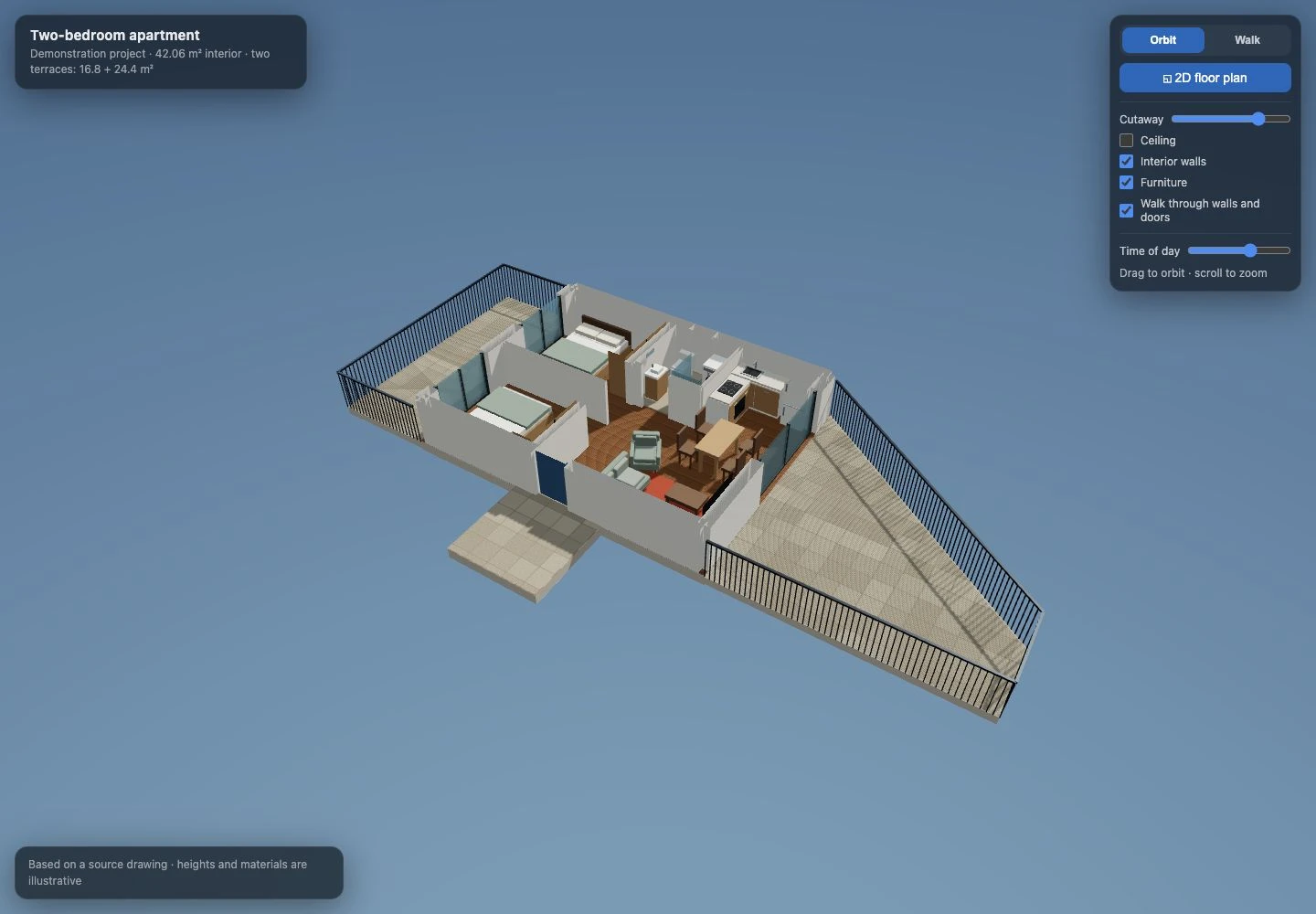
Our two-bedroom apartment demonstration began with a floor-plan photograph containing room areas, several dimensions and two distinct terraces. The bottom edge of the sheet was cropped. The model therefore kept some geometry approximate, while the later entrance landing was treated as a requested proposal rather than an original source fact.
The screenshot below is the actual development model. Its value is in making the layout reviewable: you can compare the two bedrooms on one side, the open kitchen and living area, and the terrace connections. Furniture was refined during development. It is a good example of why a source photograph and a convincing 3D view should be compared rather than assumed to agree.
Review uncertain areas before decorative details
Start with anything obscured by folds, damage or cropping. Check the outside outline, entrance and room connections. Then inspect opening positions and the route through the home. Only after those points make sense should you focus on the particular sofa, cabinet colour or floor finish used to illustrate the space.
If the drawing cannot support a usable model, ask for a better source or additional confirmed measurements. Planwalk does not substitute an unrelated generic layout when creation fails. Payments for a project that cannot be completed are automatically refunded, including VAT. That protects the transaction, while careful source preparation still protects the usefulness of the result.
Upload the readable copy and keep the source history
A Planwalk project costs €20 + VAT and includes three revisions. Five additional revisions cost €5 + VAT. After confirmed payment, the backend creates the model and emails a unique viewing link when it is ready. If the visualisation cannot be completed, all payments for that project, including VAT, are automatically refunded to the original payment method.
Upload a PDF, JPG or PNG, and explain which parts of the scan remain uncertain. Keep the paper and original capture available for later questions. A clear brief can be simple: existing layout from an older drawing, kitchen position confirmed, ceiling height unknown, terrace edge partly cropped. That is more useful than implying certainty the source cannot provide.
Questions about this workflow
Can I use a phone photograph instead of a scanner?
Yes, if the plan is complete, readable and photographed square-on with usable dimensional information.
Does correcting perspective make the drawing measured?
No. It may improve readability, but dimensions should still be checked against reliable source information.
Can a scanned plan prove which walls are load-bearing?
No. A visualisation or scan interpretation is not a structural assessment. Use appropriate documentation and professional advice for building work.