There is no winning extension for every plan
The best floor-plan file format for a 3D visualisation is the one that keeps the layout, dimensions and source context readable. A sharp CAD export is often a strong hand-off. A careful photograph can also be useful. A PDF containing a tiny, blurred image is still a poor source, even though PDF sounds more professional than JPG.
Start by asking what you actually have. Is it an editable drawing, a direct export, a scan or a marketing image? Then ask what information the model needs: complete walls, openings, usable dimensions and an explanation of the intended layout. Choosing a format is a preparation decision, not a shortcut around missing architectural information.
Compare common source formats
This table describes the current Planwalk upload workflow, not a universal ranking of design tools. A professional CAD or BIM project may need editable geometry and layer semantics that an interactive browser visualisation does not preserve. Choose the deliverable as well as the source.
| Format | Useful strengths | What to watch | Planwalk automatic workflow |
|---|---|---|---|
| Can preserve a full drawing sheet and multiple pages. | It may still contain a low-resolution scan or unrelated details. | Upload a readable PDF directly. | |
| JPG / JPEG | Convenient for phone photos and scans. | Blur, perspective and compression can obscure fine lines. | Upload the original readable image. |
| PNG | Useful for sharp digital linework and diagrams. | Transparency and poor original resolution can still cause ambiguity. | Upload the readable PNG directly. |
| WebP | Can carry a clear image in a compact file. | Its quality depends on how the image was encoded. | Upload a readable WebP plan directly. |
| DWG / DXF | Can retain editable CAD context and geometry. | Units, layers, references and drawing versions need checking. | Export PDF/image first; add CAD as support. |
If you have the editable CAD file, keep it
Do not discard the DWG or DXF simply because the automatic workflow uses an export. The editable file can preserve context that is useful when a dimension, opening or drawing revision needs clarification. Keep the original and export a clean, top-down view that is easy to inspect independently of the CAD program.
A relevant PDF export can be more practical than sending a large drawing workspace with several plans, details and empty areas. Check the units and revision before exporting. For more than one floor, use consistent orientation and a shared structural reference so later review does not depend on matching page edges.
If you only have an image, protect the original detail
Look for the highest-quality original rather than converting a preview between formats. Saving a compressed JPG as PNG does not restore lost linework. Repeatedly enlarging an image can make it look smoother without making its dimensions more readable. If the paper drawing is available, another scan or photograph may help more than another file conversion.
Lossless encoding is useful for fine line drawings, while photographic images often tolerate compression differently. These are format characteristics, not promises about the architectural result. Check actual door labels and dimension digits. A readable source remains the practical test.
Read more: MDN: image formats and compression
Use the same completeness check for every format
Keep the whole property footprint and its relevant exterior spaces. Include dimension chains around the plan, not just the furniture in the centre. Make the entrance and room connections legible. State whether the drawing shows the current property or a proposed layout. Those checks matter whether the file is PDF, PNG or a photograph.
A room-area label is not a substitute for wall lengths, and a plan view does not necessarily define heights. If the source is cropped, distorted or missing important information, say so. A model built with visible assumptions is more useful than one that presents an attractive guess as a measured fact.
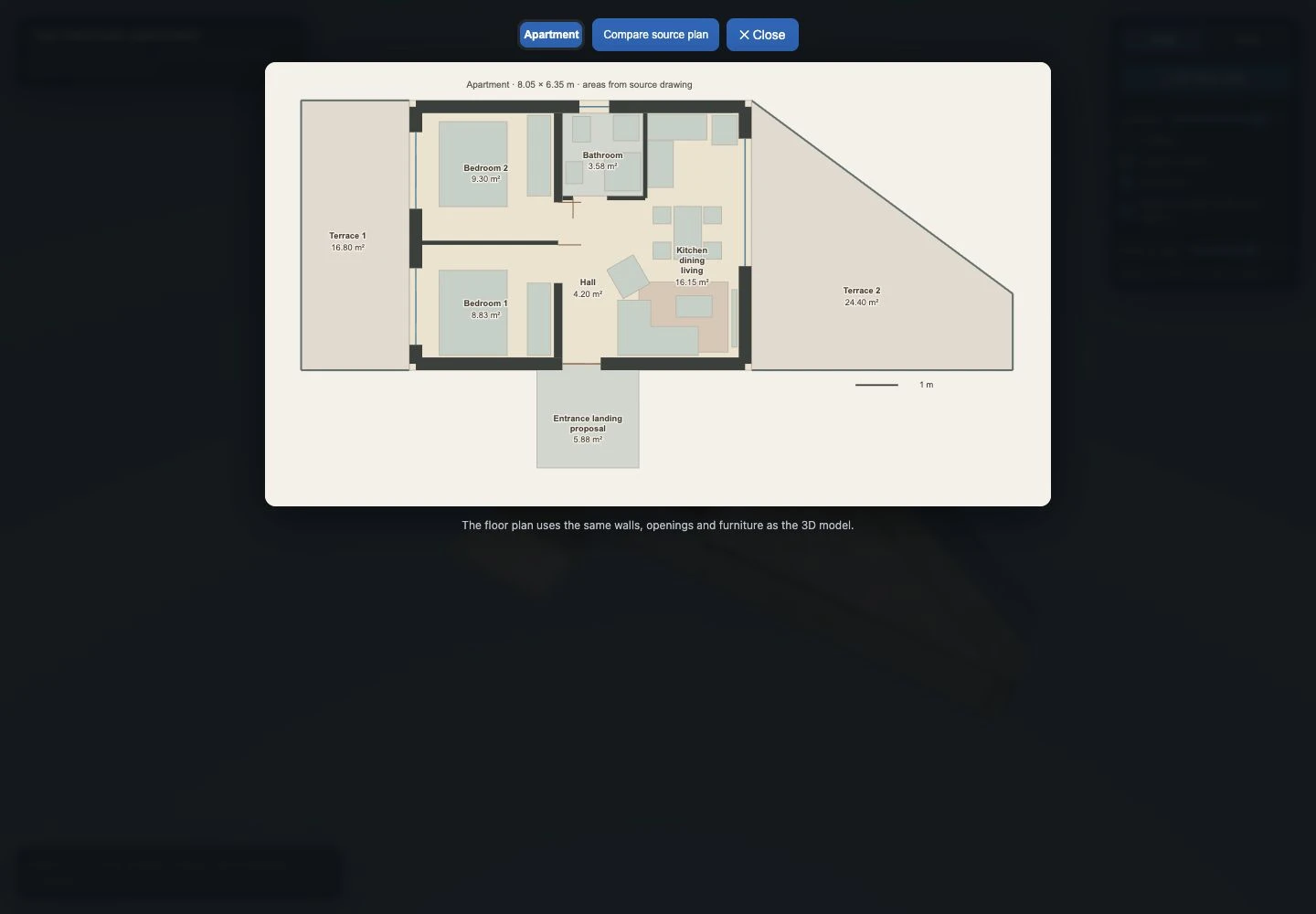
Look at a real example before deciding what to send
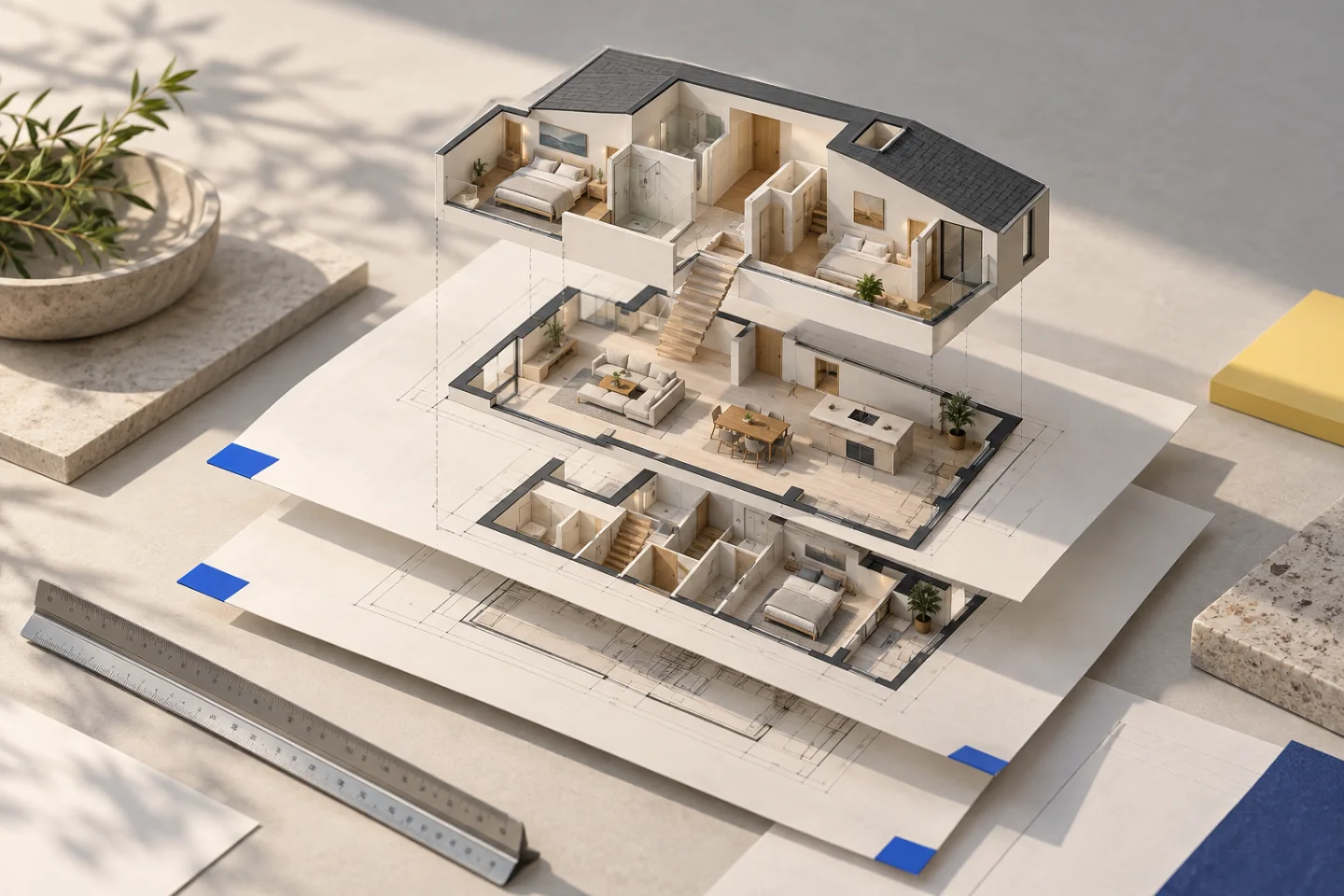
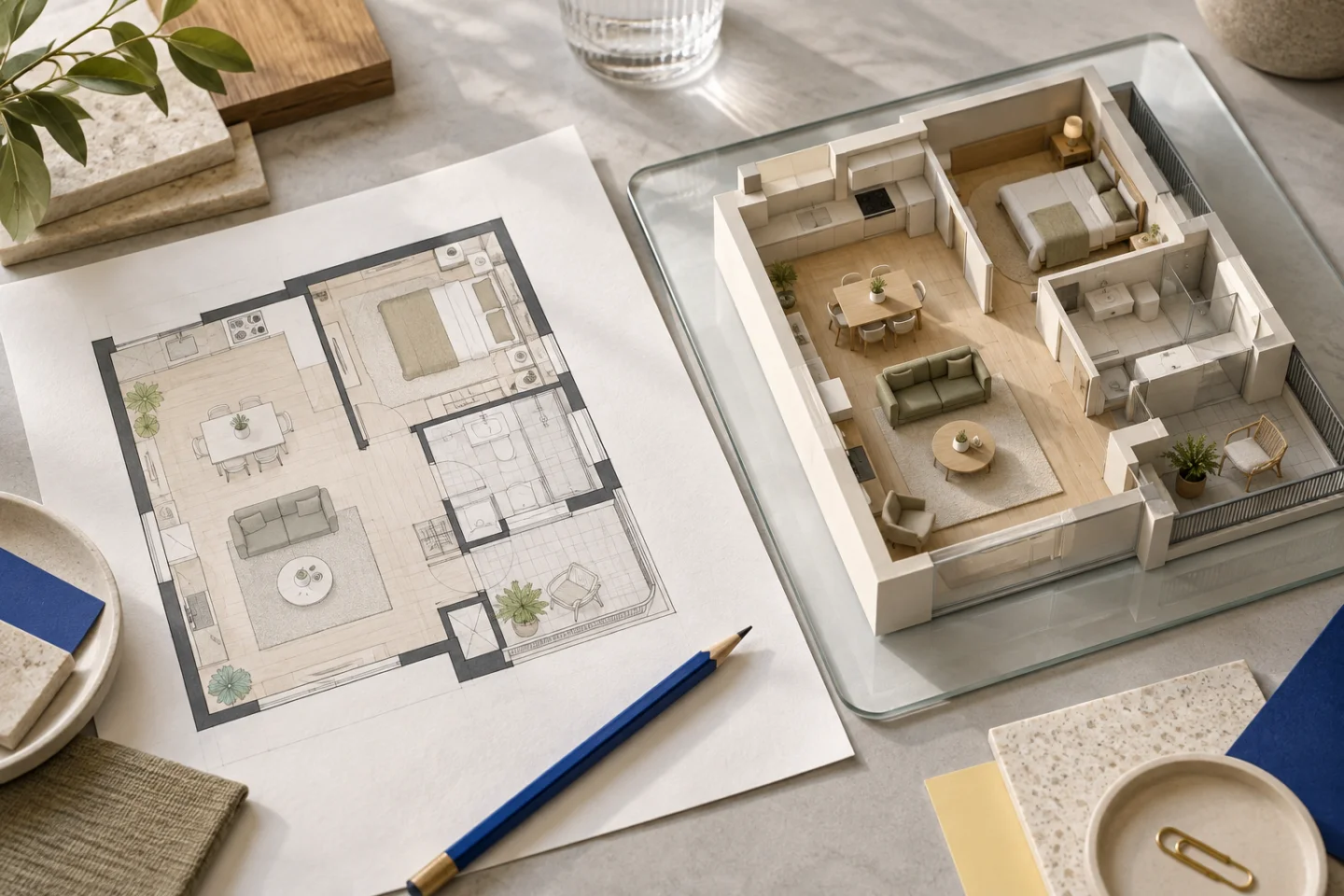
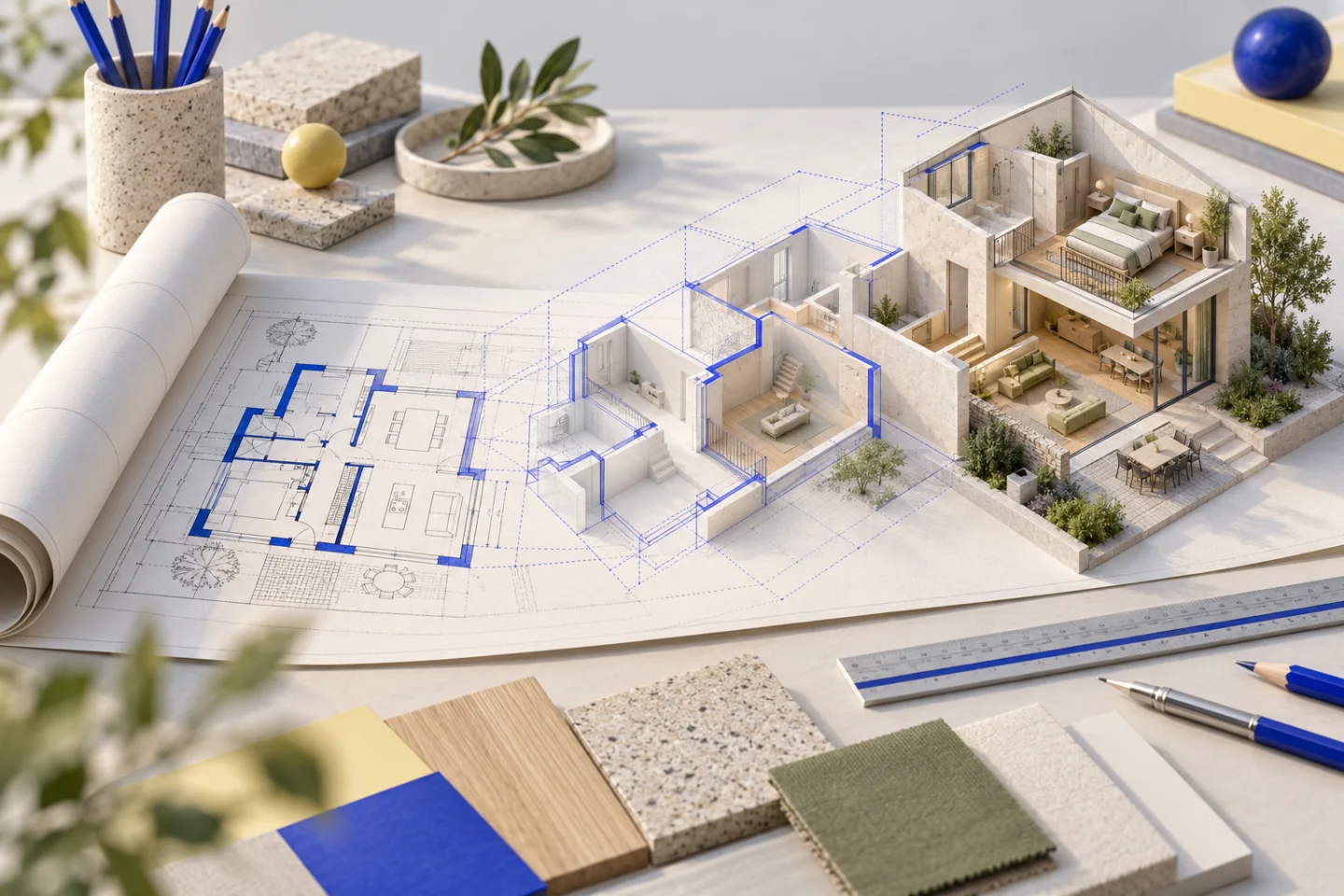
Our photographed-apartment demonstration shows that a raster source can support an explorable layout when its useful information is retained and its limits are recorded. The house demonstration shows a more involved process with CAD source alignment across floors. These are two different source histories; neither proves that a file extension alone determines the outcome.
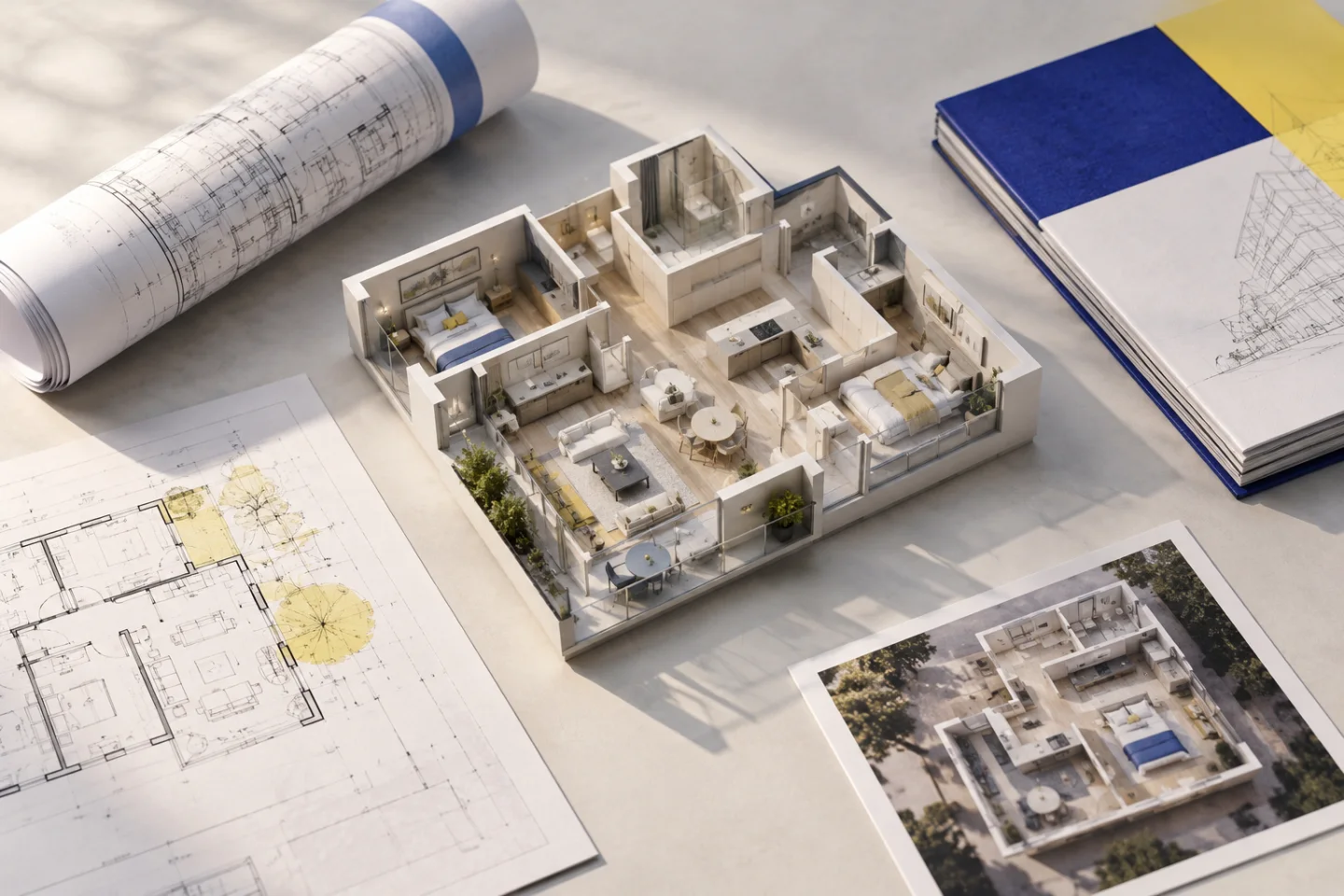
Use the case studies to see the actual viewer and the sort of review you will do. Compare the original information with room divisions, doors and outdoor access. Keep generated editorial imagery separate from evidence of a delivered model: a beautiful illustration can communicate atmosphere without proving that the geometry follows a particular plan.
Read more: Explore the photographed-apartment case study · Explore the CAD-based house case study
Choose the next useful action
Have a clear PDF? Upload it directly. Have a sharp JPG or PNG? Keep the original orientation and add confirmed dimensions. Have only DWG or DXF? Prepare and inspect a PDF or image export. Have a cropped listing image with no dimensions? Request better source material before expecting a dependable layout.
A Planwalk project costs €20 + VAT and includes three revisions. Five additional revisions cost €5 + VAT. After confirmed payment, the backend creates the model and emails a unique viewing link when it is ready. If the visualisation cannot be completed, all payments for that project, including VAT, are automatically refunded to the original payment method.
Questions about this workflow
Which file should I upload if I have both PDF and DWG?
Use a readable PDF for the automatic conversion and add the DWG if it provides useful supporting context.
Should I convert every image to PNG?
No. Changing the extension cannot restore missing source detail. Use the best original and avoid unnecessary conversions.
Does Planwalk accept every design format?
No. Automatic creation uses supported PDFs and images; CAD files are supporting material. Export other design formats into a readable supported source first.