Start with the question you want to answer.
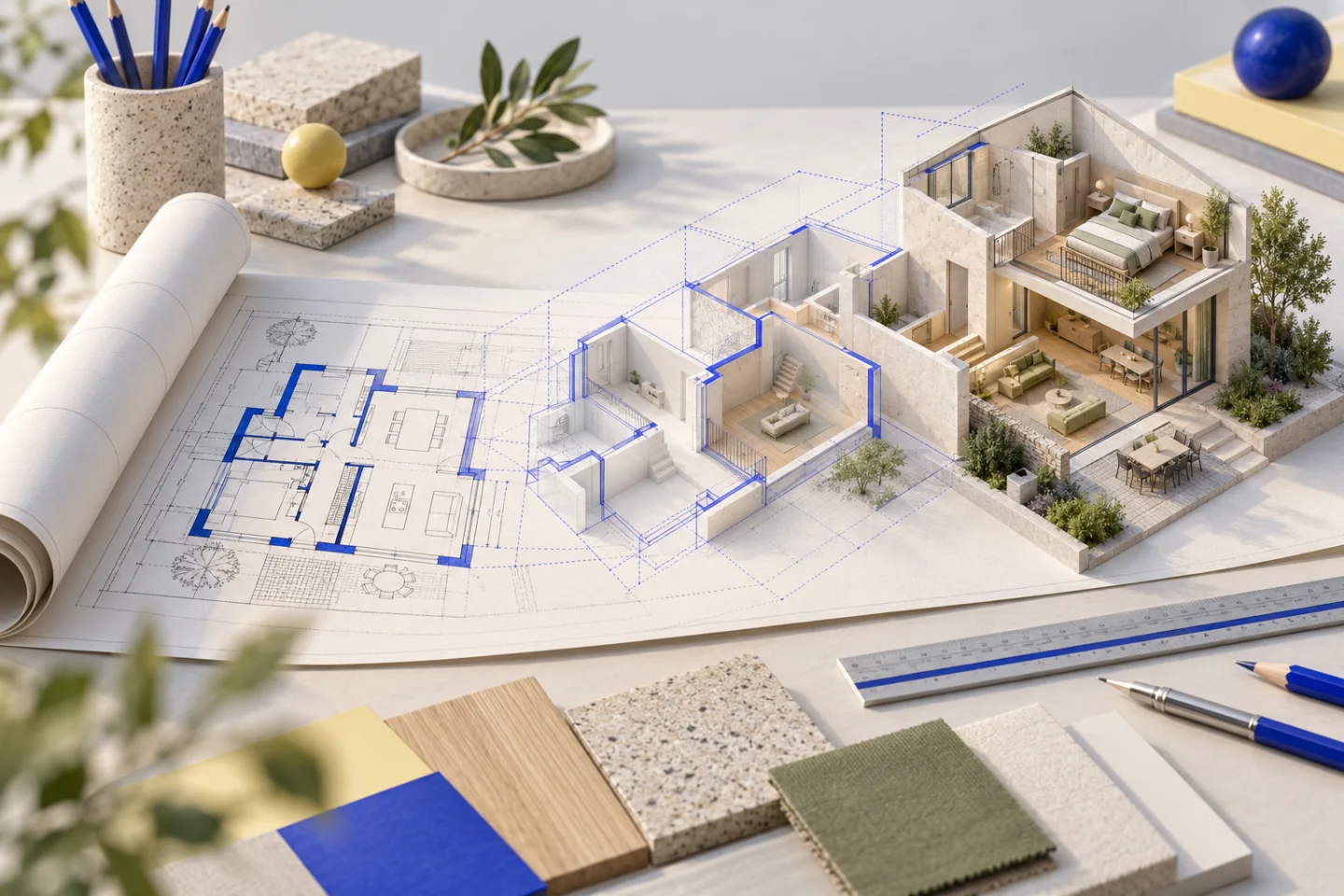
To check the route to a terrace, use a model you can rotate and walk through. To compare two material palettes, a carefully chosen still image may be more useful. These views complement each other, but they do not prove the same things.
An interactive model keeps the relationships together.
Walls, openings and furniture share one coordinate system. You can hide the ceiling, lower the cutaway and switch to a 2D plan. These are different ways of inspecting the same layout. The value is not whether it looks like a photograph, but how clearly it explains the space.
A render interprets one selected view.
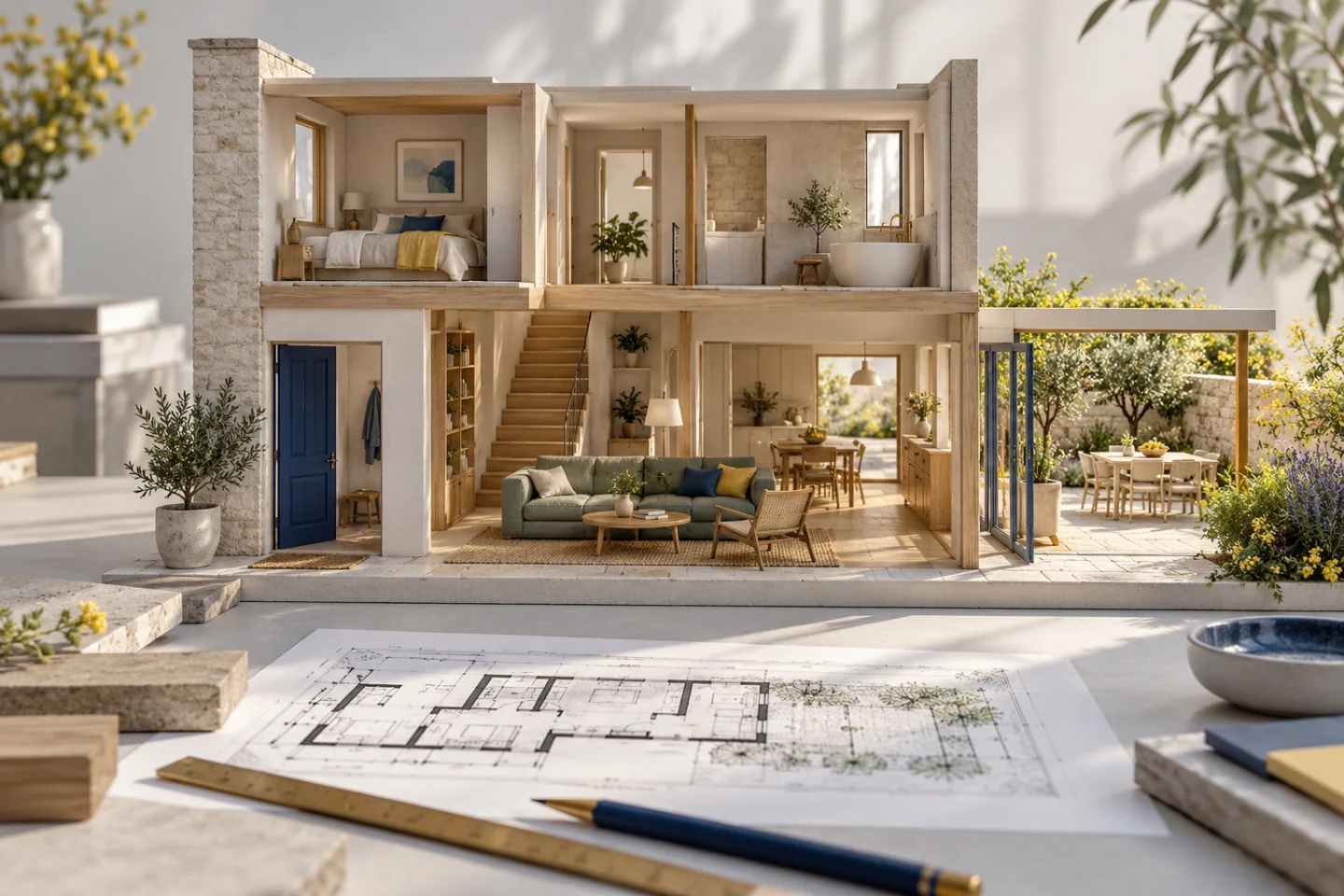
A photorealistic illustration captures one viewpoint, one lighting setup and a set of material choices. In AI-generated illustrations, details such as window counts or cabinet shapes can drift from the underlying model. The illustration should be labelled, with a clear route back to the geometric reference.
Our two-storey home example uses both carefully.
The interactive model explains the floors, staircase, plot and pool. A separate illustrative gallery explores stonework, shutters and outdoor spaces. Layout decisions are checked against the model; the gallery is presented as a material and atmosphere study, not a record of a completed building.
Measurements and assumptions still matter.
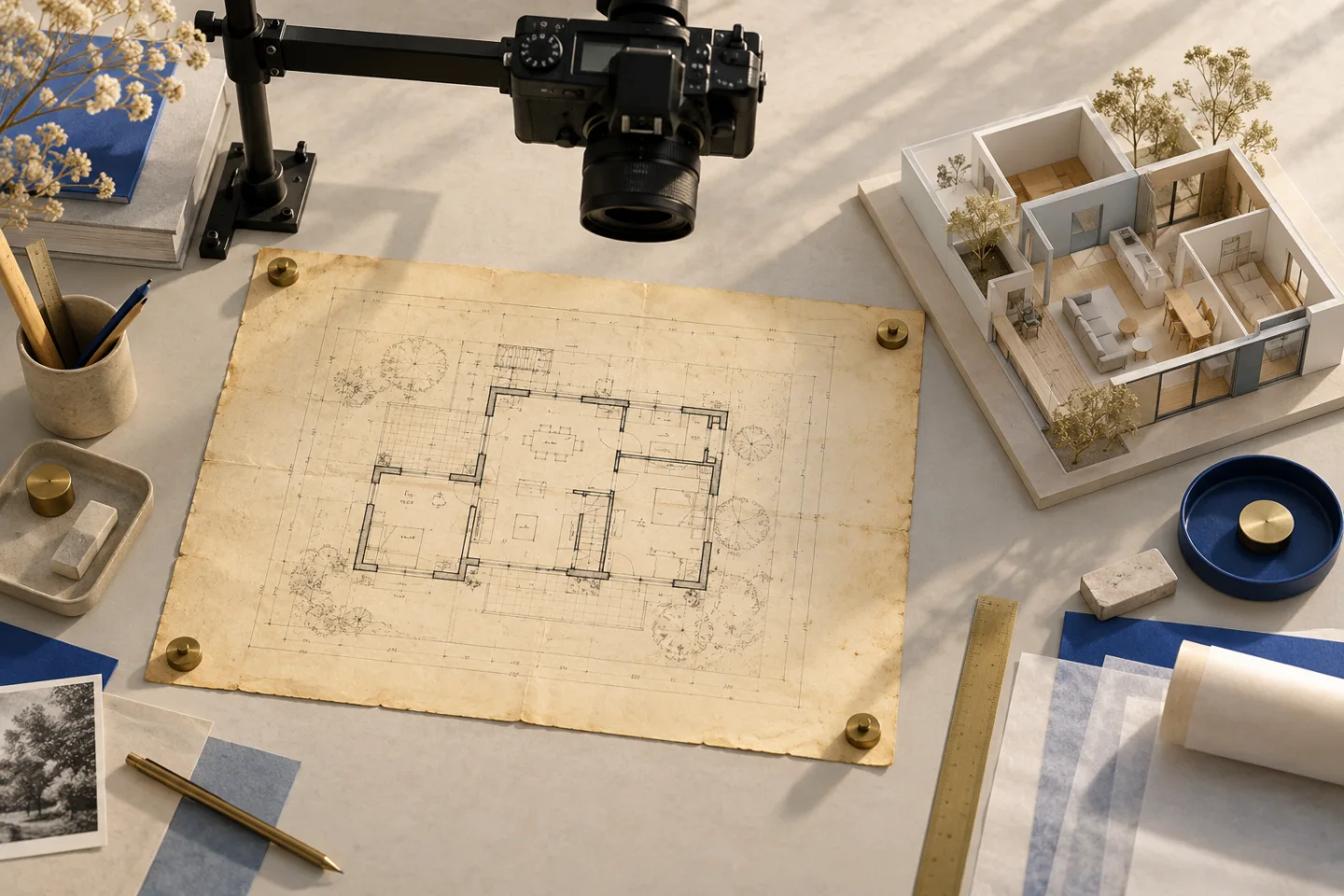
Neither a tidy model nor a convincing render replaces a measured survey or approved construction documentation. If a sill height, finish or piece of furniture is unconfirmed, keep that assumption visible. Visualisation helps you ask better questions of a professional; it does not establish that a proposed change can be built.