Start by checking the drawing, not the extension
A DXF may contain a clean apartment plan, a collection of unrelated details or fragments exported from another application. It is a drawing exchange format, so the way the receiving program displays entities, layers and annotations deserves a check. Open the file and inspect the actual floor plan before assuming it is ready to become a house model.
Make sure you can identify the exterior outline, interior partitions and the breaks that represent openings. A closed polyline is not automatically a room, and two parallel lines may be a wall, a cabinet or a dimension reference. The conversion needs a readable architectural drawing and a useful brief, not just a file containing many geometric entities.
Confirm units with a dimension you trust
A drawing can look correct on screen even when its unit convention is unclear. Check a labelled wall or another confirmed measurement in the CAD application. Establish whether a numerical distance represents metres, centimetres, millimetres or a different unit. Do not apply a global scale change simply because the building looks small in the current viewport.
Keep internal and external measurements distinct. A clear room width and the full exterior width are different references because the latter includes walls and other spaces. If the drawing’s measurement and its printed dimension label disagree, ask the author which is current before using either to define a new 3D layout.
Inspect layers and remove visual ambiguity
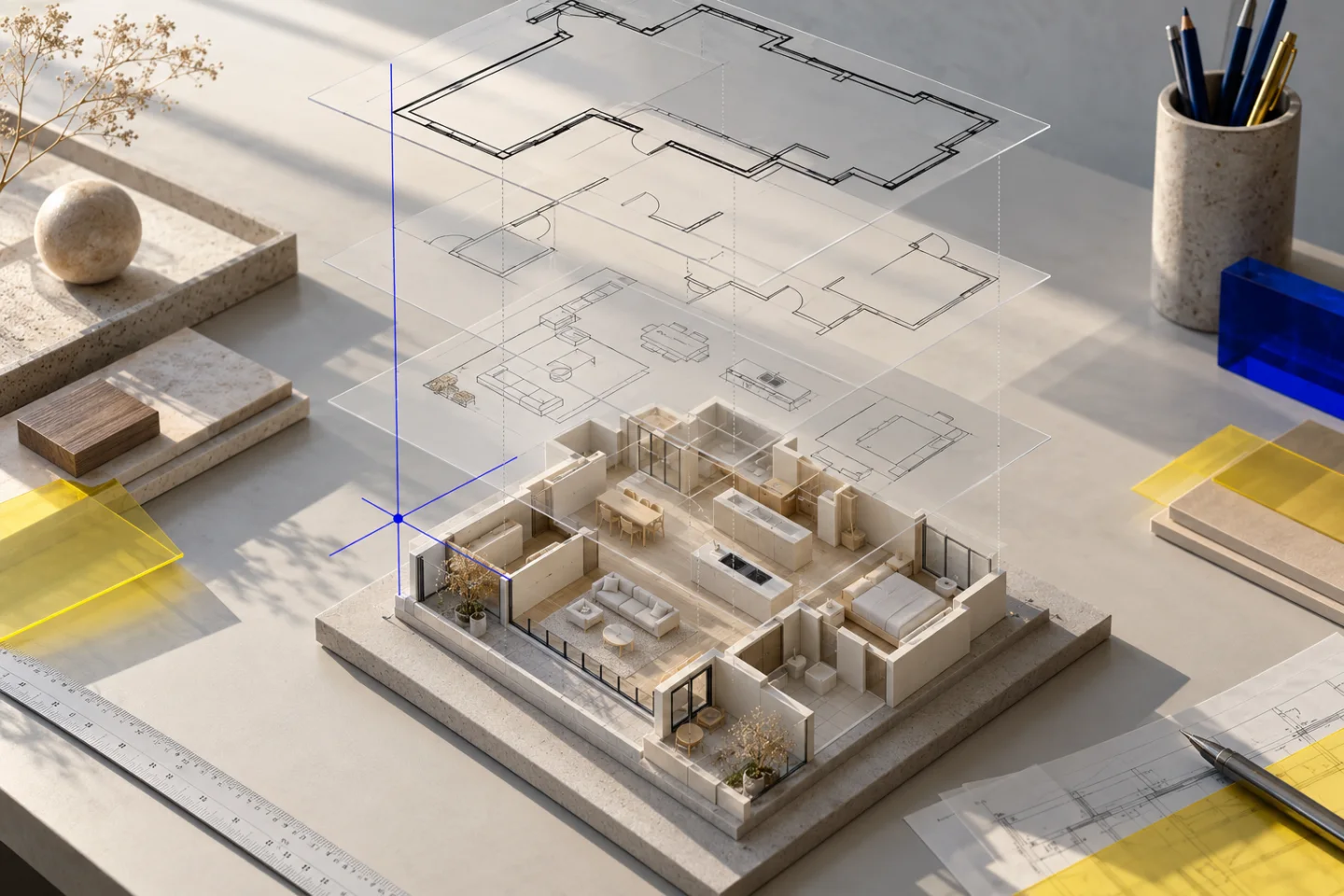
Check that the relevant wall, opening and dimension layers are visible. Keep doors and windows even if their symbols make the plan appear busier; those marks help explain how the rooms connect. If the file contains several design alternatives, prepare a view that shows the intended option and explain other alternatives separately.
You can simplify a copy of the drawing for export, but keep the original unchanged. Avoid joining, trimming or deleting lines unless you understand what they represent. The goal is to make the architecture readable, not to force every element into a tidy closed shape that may no longer match the source.
- Find the floor-plan geometry and its current revision.
- Verify units against a confirmed dimension.
- Keep wall lines, opening symbols and dimension labels visible.
- Explain any alternative or overlaid layouts.
- Save a clean export copy while preserving the original DXF.
Create the PDF or image used for automatic conversion
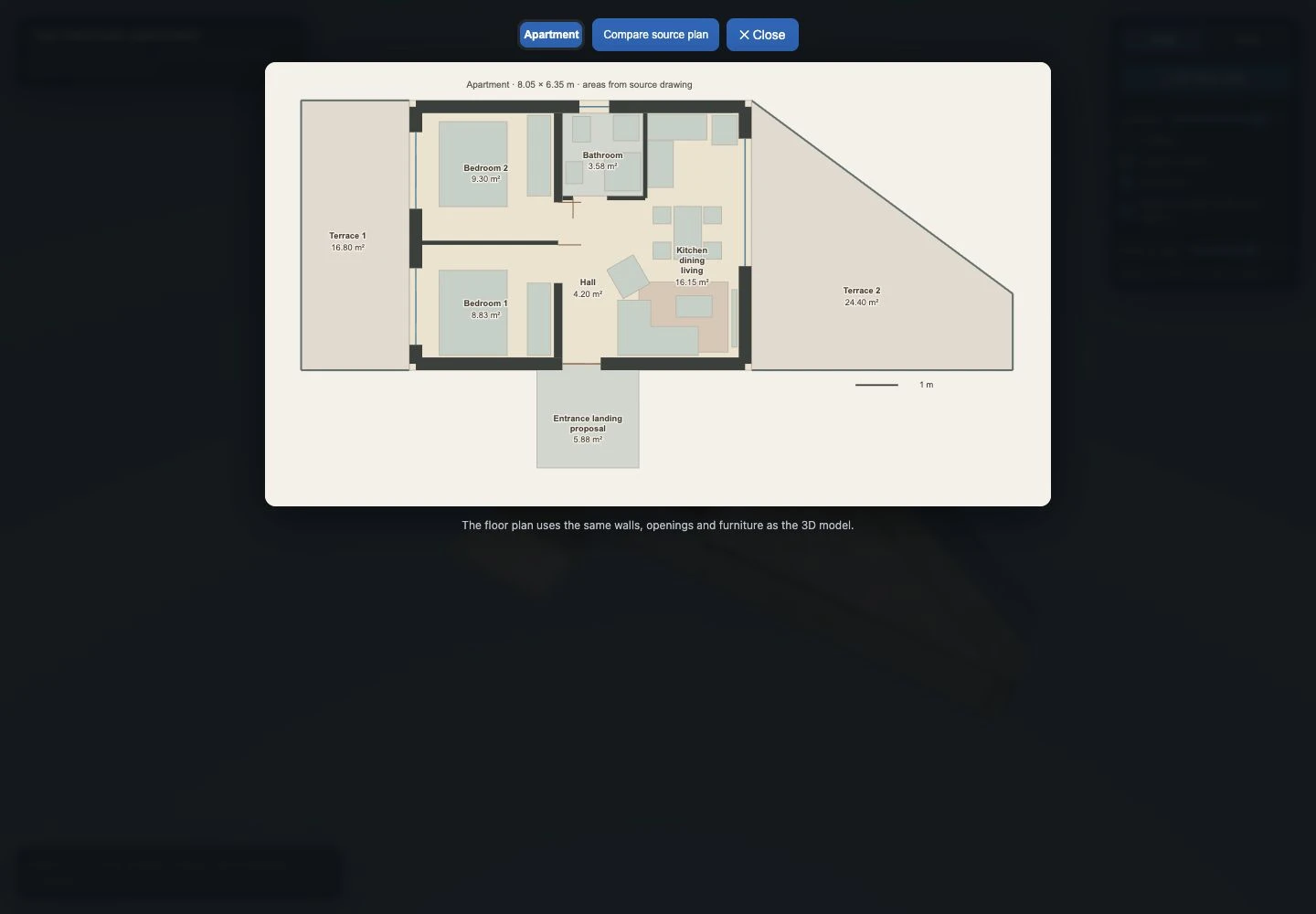
Planwalk’s automated creation reads a PDF or supported image. Export the selected DXF view in a compatible CAD application and inspect the result. A top-down plan with readable labels is preferable to a perspective screenshot or a whole workspace containing toolbars. Include the complete footprint and any terrace or balcony edges that belong to the project.
Attach the original DXF as supporting material if it is useful, but do not expect a direct file-format conversion to a downloadable CAD solid. The delivered product is a browser model for exploring a layout. That distinction matters when you are choosing between a visualisation service and a CAD or BIM modelling workflow.
Check shared coordinates across a house’s floors
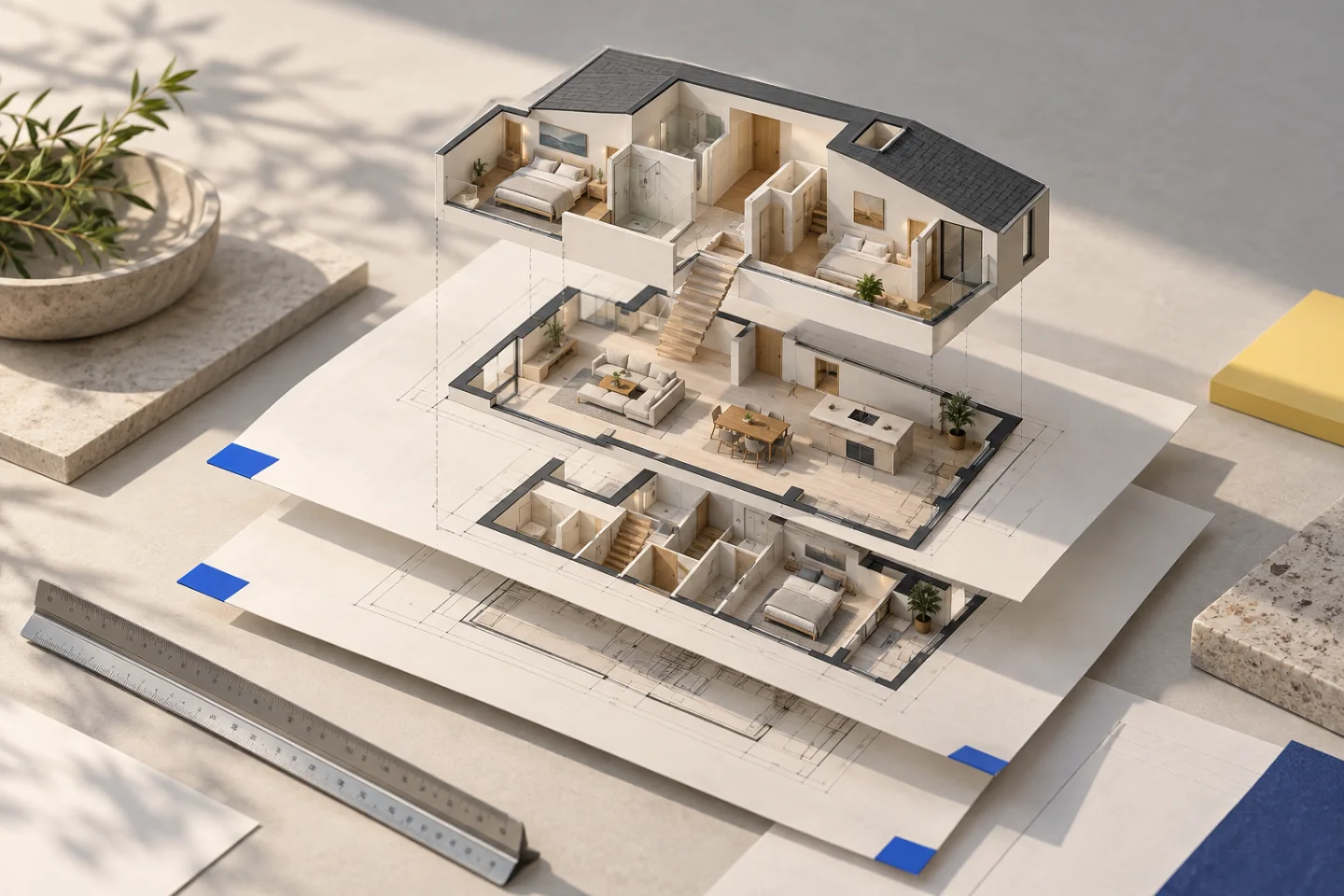
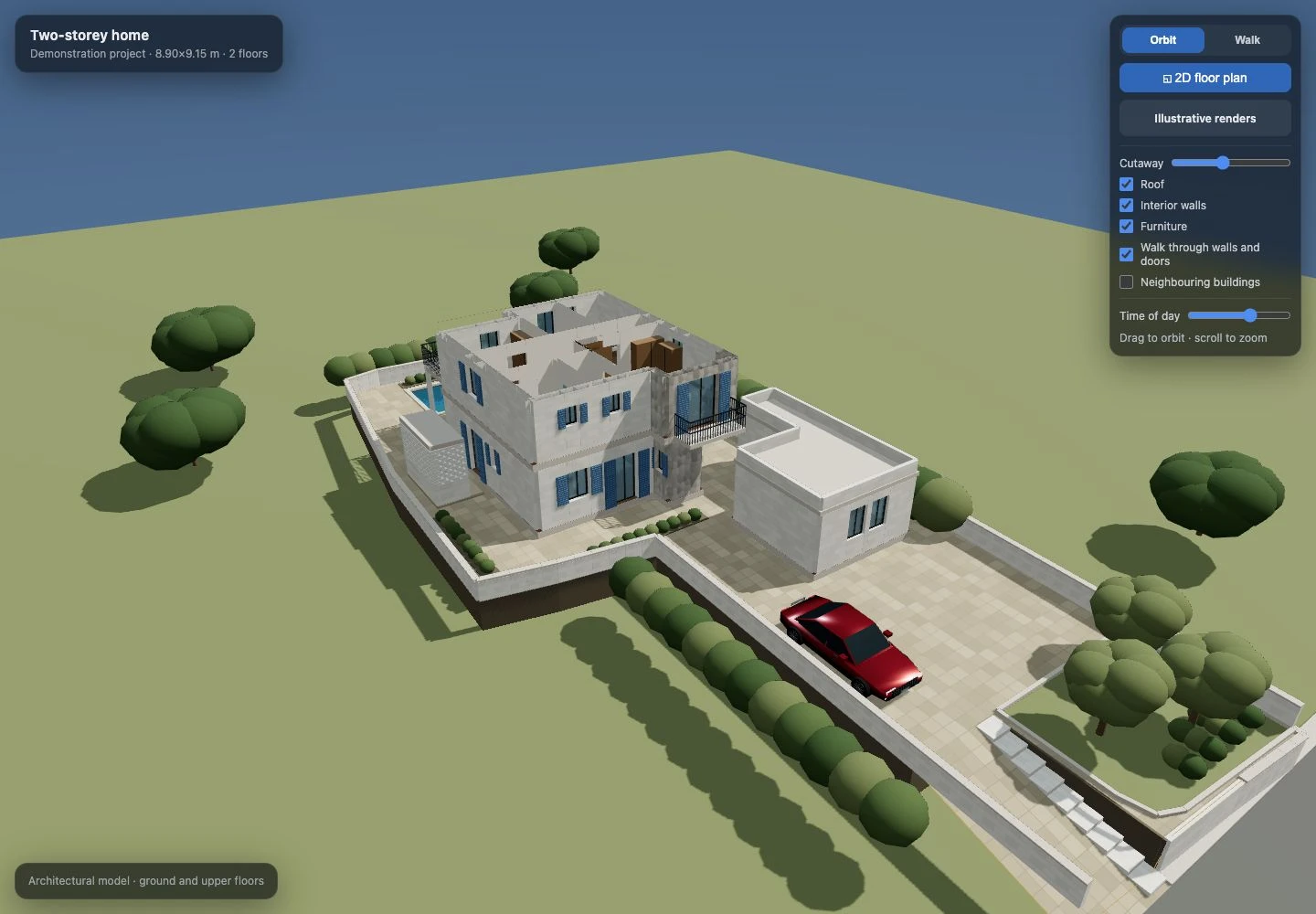
Different floor plans may have different drawing origins or sit side by side in one CAD file. Aligning their cropped page edges will not necessarily align the building. Use a stable structural reference, such as a shared wall or stair core, and explain any translations between floor drawings. Upper-floor projections can legitimately extend beyond the floor below.
Our house demonstration illustrates this issue: keeping floors in a common frame was an explicit modelling decision. A clean 3D view can conceal a small horizontal shift until stairs, walls and terrace edges are compared. Review those relationships before spending revisions on colours or decorative details.
Know when the exchange file needs clarification
Request clarification if wall and furniture linework cannot be distinguished, the required floor is missing, units remain ambiguous or a reference is absent. The right next step may be a labelled PDF from the drawing’s author. Re-exporting an ambiguous DXF through several programs does not establish which layout or dimensions are correct.
Heights, pitched roofs and structural conditions are separate questions. A DXF floor plan can help define room relationships without containing enough information to reconstruct the whole building. Keep assumptions visible and use the visualisation to discuss the layout, while construction or structural decisions remain tied to appropriate professional documentation.
Move from the prepared source to a reviewed model
A Planwalk project costs €20 + VAT and includes three revisions. Five additional revisions cost €5 + VAT. After confirmed payment, the backend creates the model and emails a unique viewing link when it is ready. If the visualisation cannot be completed, all payments for that project, including VAT, are automatically refunded to the original payment method.
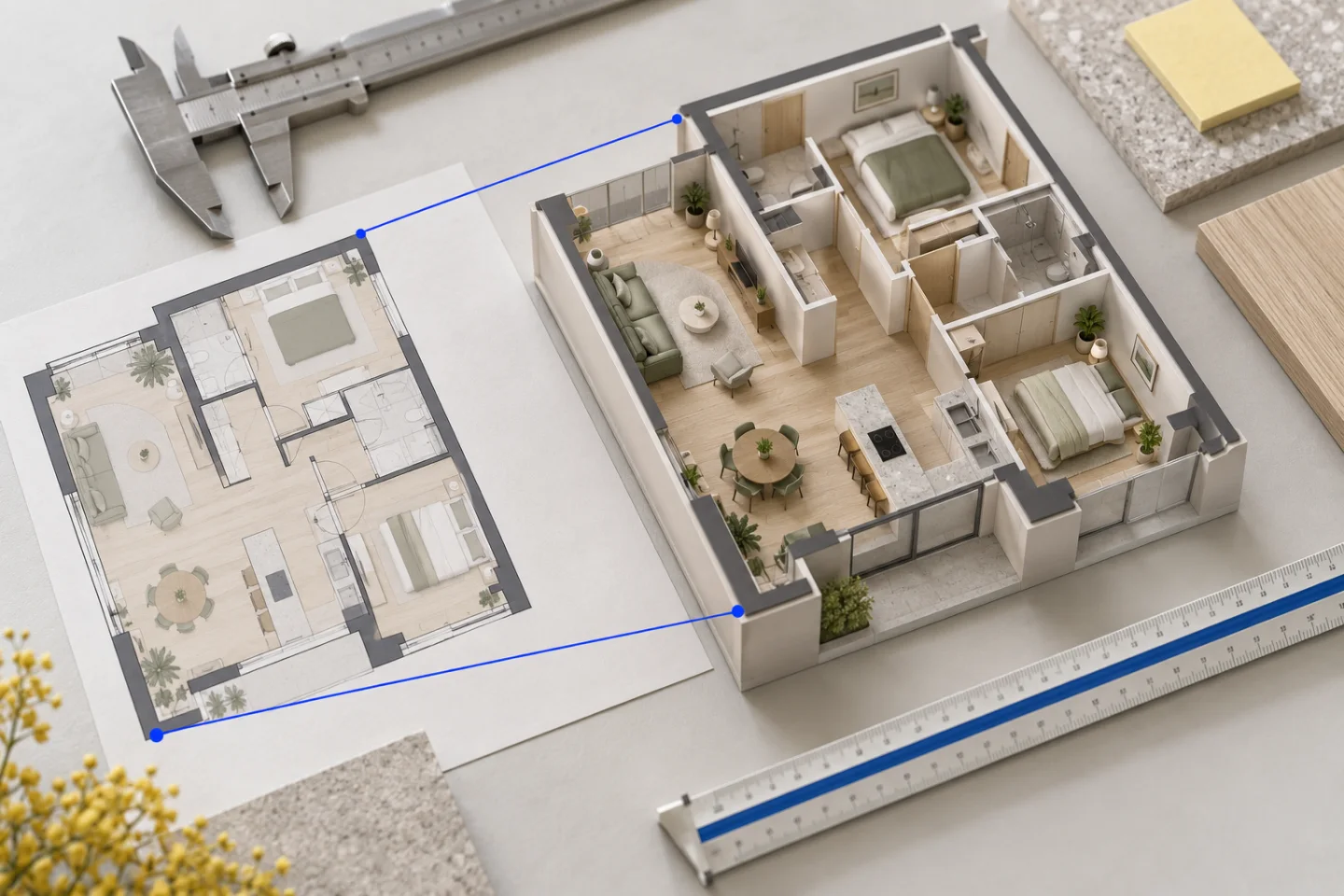
After delivery, compare the model’s 2D view with the exported plan and then use the walk-through to inspect circulation. Collect source corrections into one revision request. If your main goal is an editable CAD model or an exchange format for another professional tool, establish that requirement separately; the Planwalk viewing link serves a different purpose.
Questions about this workflow
Can a DXF be used without a PDF?
You can attach it, but automated Planwalk checkout needs a readable PDF or image plan as well.
Is DXF always more precise than an image?
The drawing may contain numerical geometry, but that does not establish its units, completeness or revision. A well-prepared export can be more useful than an ambiguous exchange file.
Will the model keep every drawing layer?
No. The visualisation represents interpreted architectural geometry rather than preserving the original CAD layer structure.