What a DWG drawing gives you—and what it leaves open
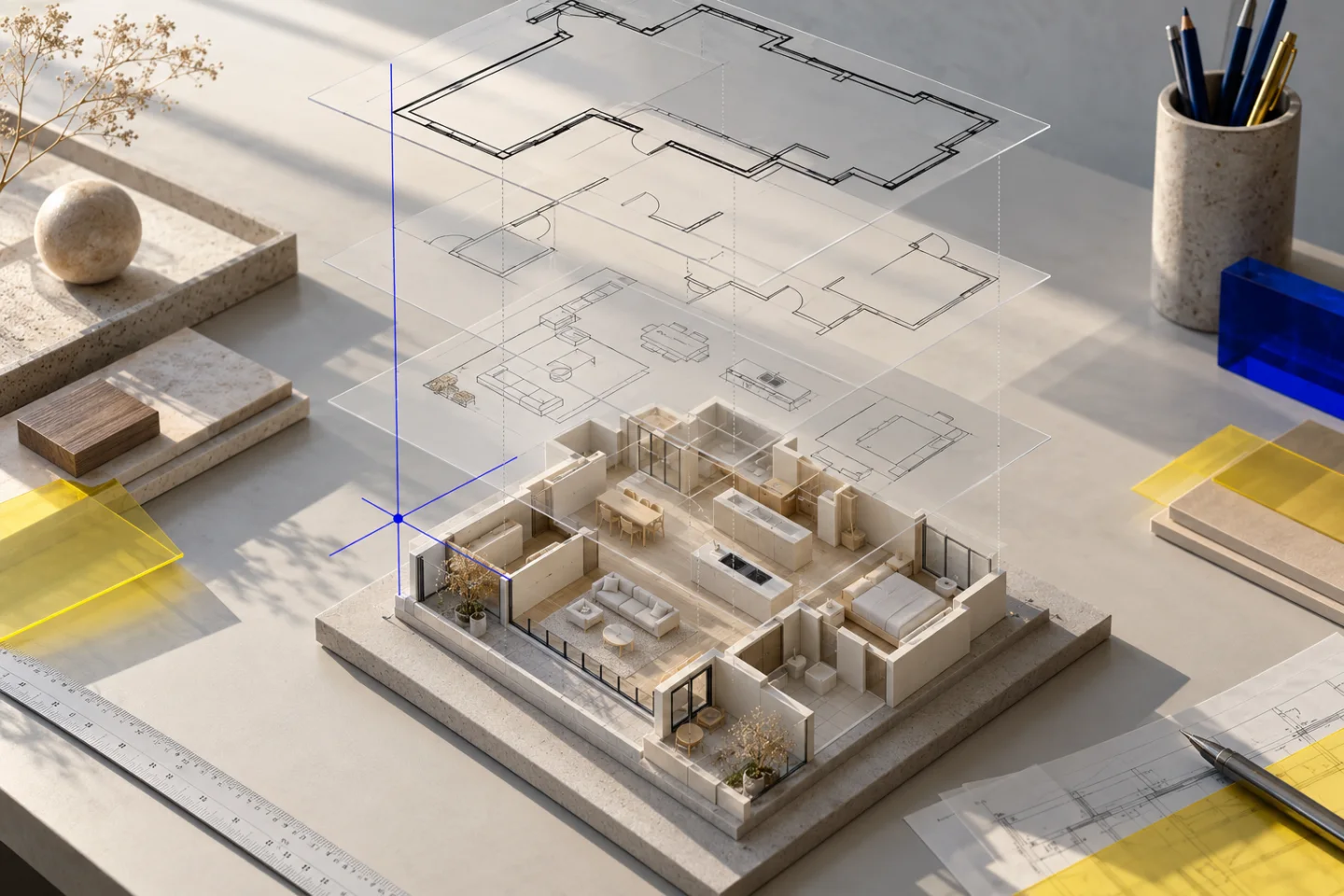
A DWG floor plan can contain detailed wall lines, door symbols, dimensions and drawing layers. That makes it a strong starting point for a 3D house or apartment visualisation. It does not mean the file already contains a three-dimensional building. Many residential DWGs are entirely two-dimensional, while others mix floor plans, elevations, details and unrelated drawing content in the same model space.
Before converting anything, identify the actual plan you want to explore. Check its revision, the floor it represents and whether it shows the existing property or a proposal. If a kitchen extension is an idea, label it as an idea. A useful model preserves the difference between documented geometry and something you would like to try.
Prepare a clean, dimensioned CAD view
Open the drawing in a CAD application that supports its DWG version. Resolve missing references and check that doors, windows and dimensions are visible. Use a dedicated layout or a carefully chosen plot window rather than exporting a vast model space containing several sheets. Small room labels become difficult to read when one floor occupies a tiny corner of the exported page.
Keep the outer dimensions and at least one useful internal dimension chain. Hide distracting construction details only after confirming they are not the wall outlines you need. Furniture can remain as a placement reference, but distinguish existing pieces from symbols that merely suggest a room’s use. Export one readable plan for each floor, using consistent orientation.
- Confirm drawing units before adding any measurements.
- Check the drawing’s revision and whether external references are loaded.
- Include dimension lines, openings and the complete outer footprint.
- Keep floors aligned around a shared structural feature, not each sheet’s crop.
Export the DWG to a readable PDF
In AutoCAD, a layout or selected model-space view can be output using PLOT or EXPORTPDF. The exact interface varies by version, so use the application’s current export controls and preview the resulting page. Choose an architectural sheet size that keeps the plan and its dimensions readable. A PDF export is usually a more useful hand-off than a screenshot of the CAD workspace with toolbars covering the drawing.
Open the PDF independently before uploading it. Zoom into a door label and the smallest dimension. Check that no side of the building is clipped, that line weights have not turned thin partitions into solid blocks and that reference content has not disappeared. Sending the editable DWG as well can preserve context, but Planwalk’s automatic creation currently reads the PDF or image export.
Read more: Autodesk: exporting drawing files to PDF
Upload the export and explain the missing information
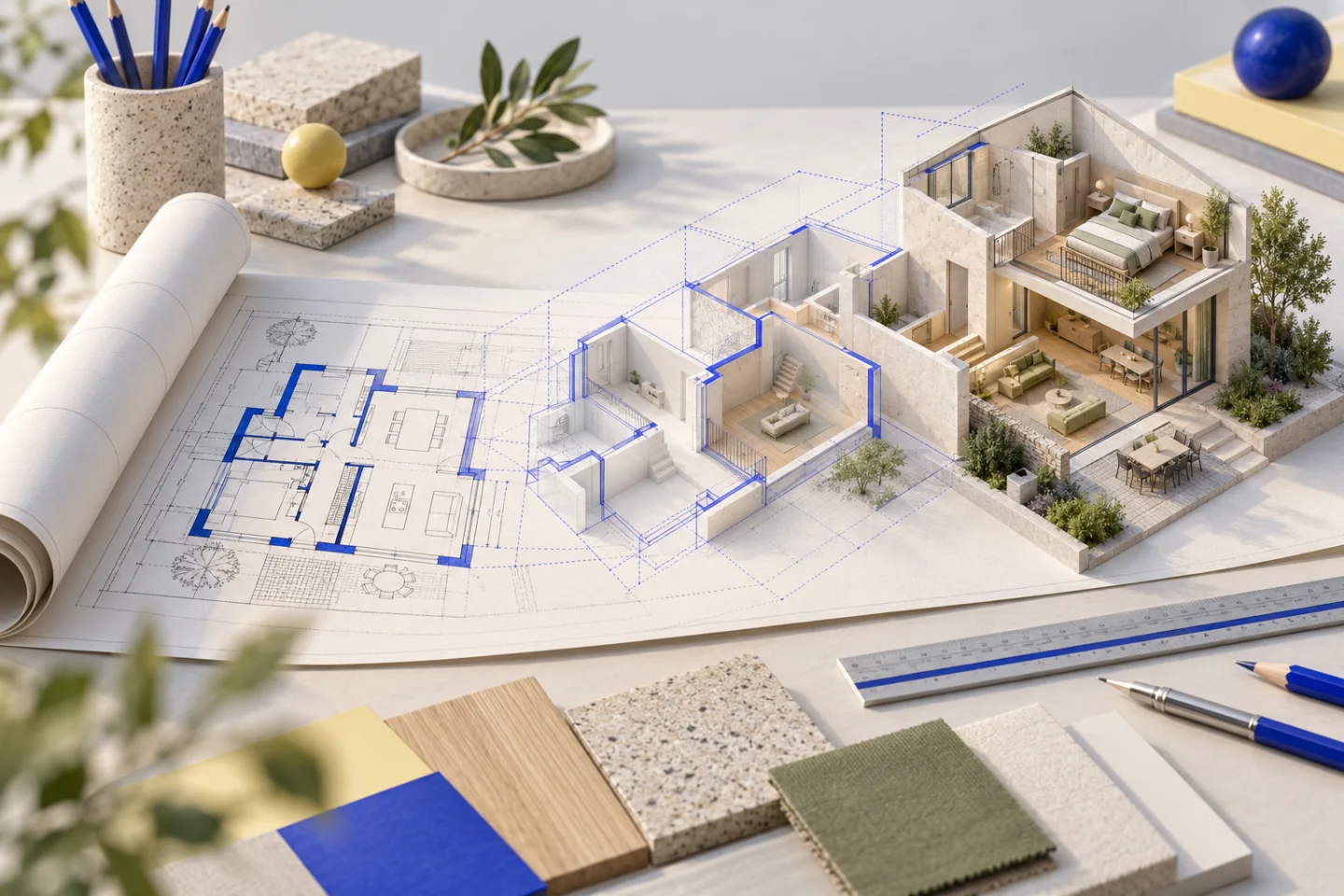
Create a project and upload the PDF, JPG or PNG that contains the readable floor plan. You can add the original DWG as supporting material, but a CAD file alone does not enable automated checkout. This is an important distinction: the workflow helps you move from a CAD plan to an interactive model, rather than offering a direct DWG-to-BIM file conversion.
Use the brief to identify confirmed dimensions, the order of floors and the questions you want to answer. Include floor-to-ceiling heights if you have them. For a house, elevations or sections may explain vertical relationships, but this first automated model is an approximate layout and does not reconstruct every pitched roof, staircase or structural detail. Do not substitute a guessed dimension for missing source data.
Review the 3D result in a useful order
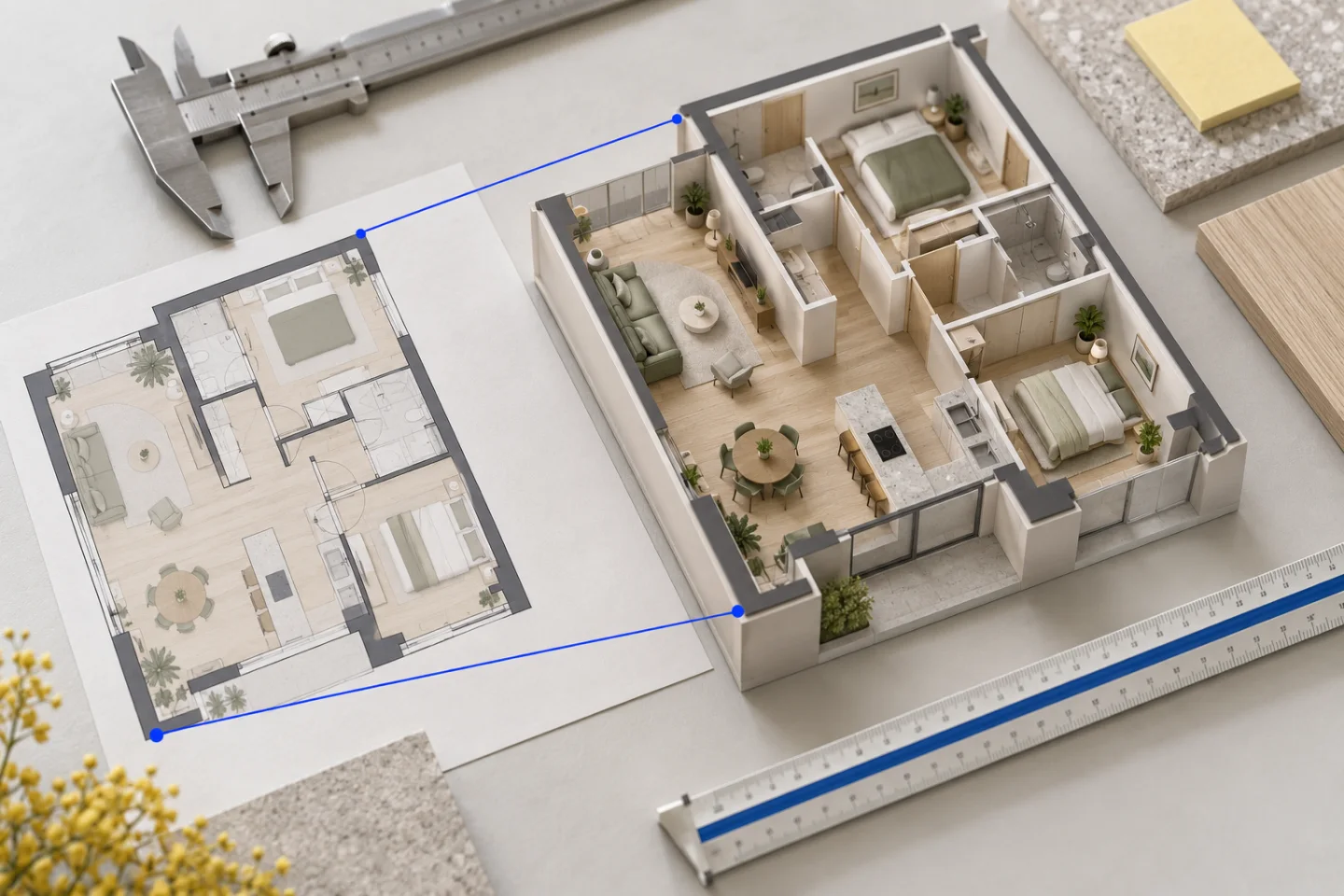
Start with the overall footprint and the relationships between rooms. Check that the entrance leads to the correct hall, that the kitchen is on the correct side and that terraces connect through the intended openings. A mirrored plan may look plausible while putting every relationship on the wrong side. Compare the 2D viewer with the source to catch this early.
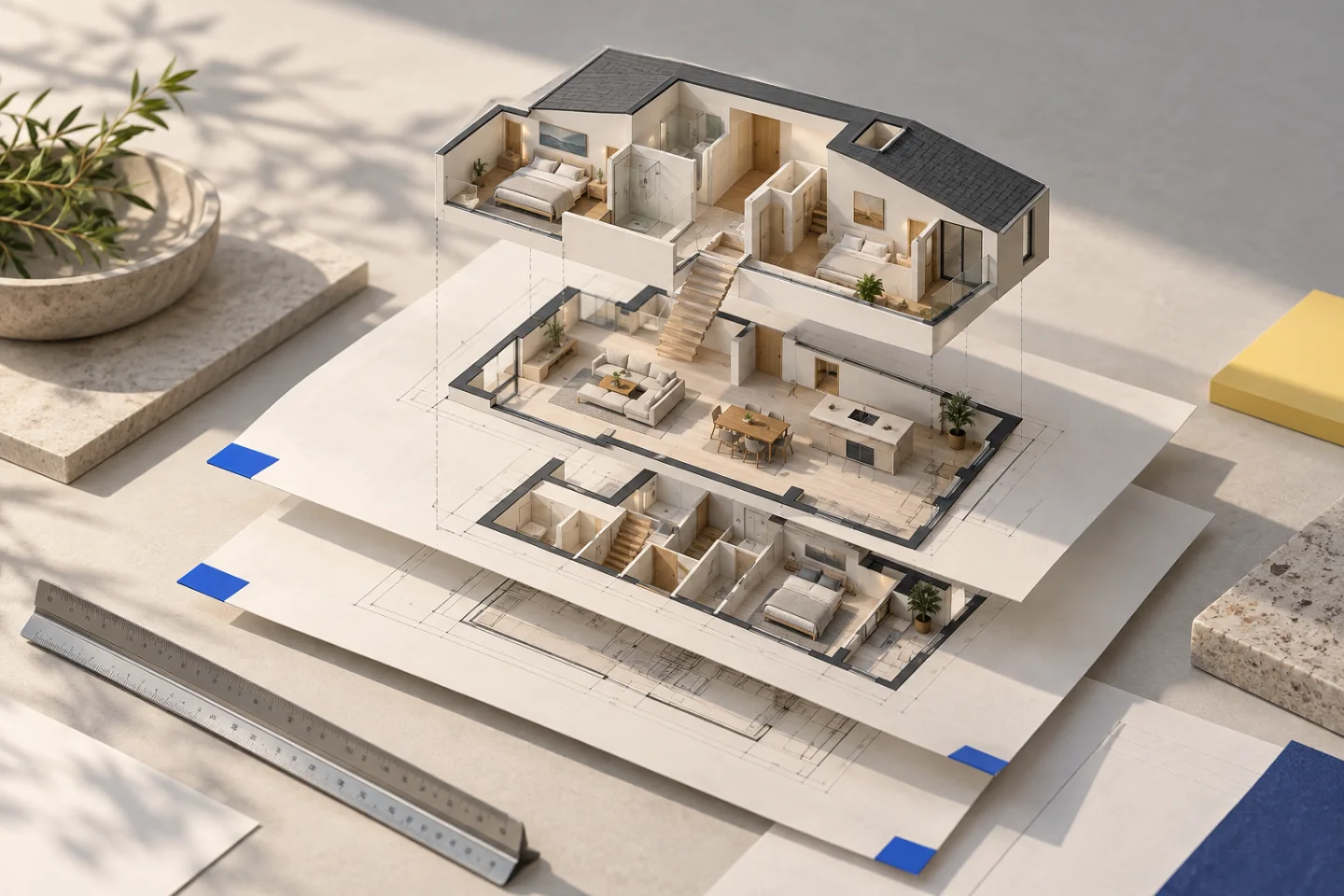
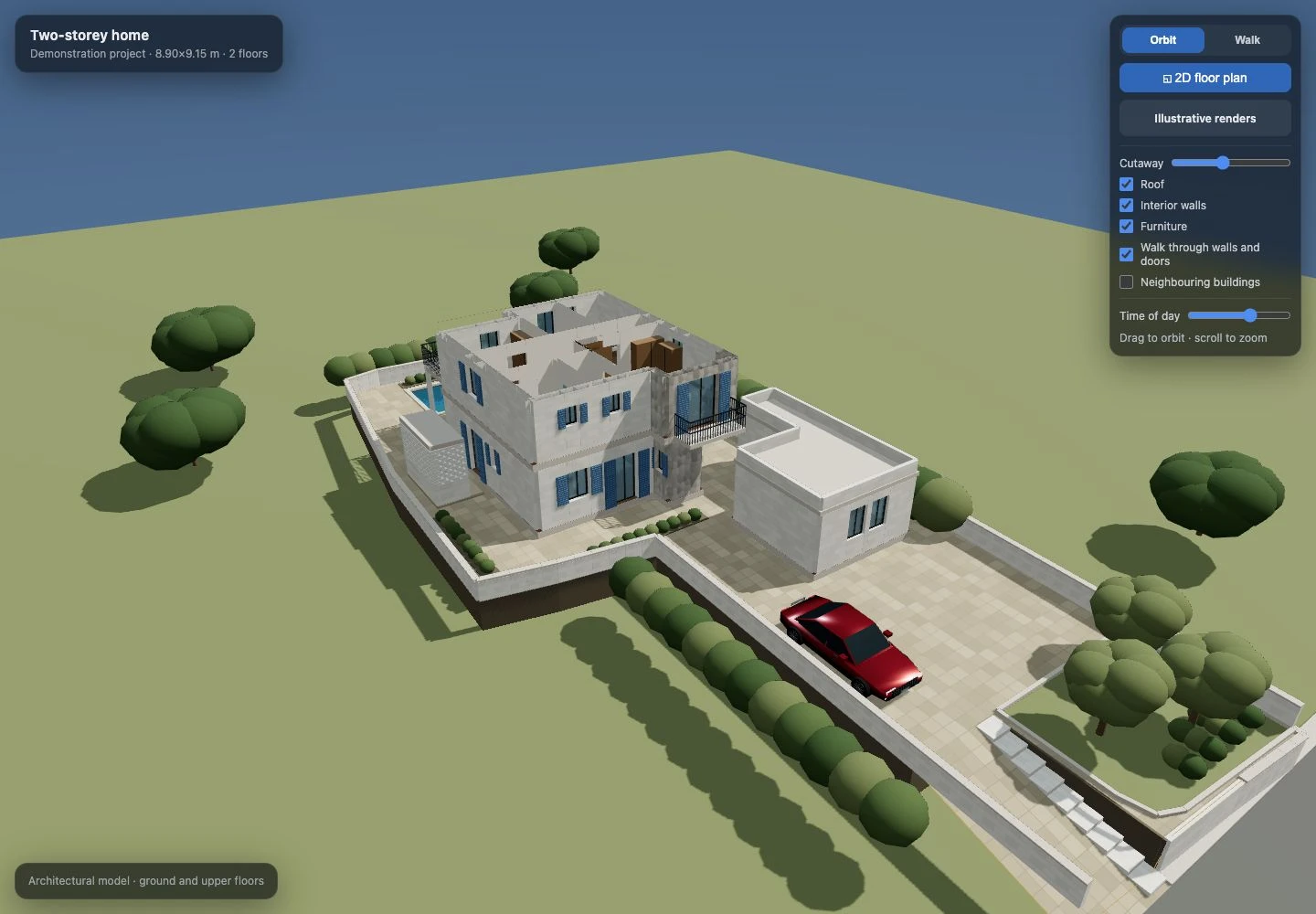
Then use Orbit and Walk to inspect doorways, furniture and routes through the home. In our two-storey demonstration, keeping both floors in a shared drawing frame mattered more than making their bounding boxes line up. That example was developed and refined from CAD source drawings; it is useful evidence of what to check, rather than a guarantee that an automatic upload reproduces all of its custom detail.
Common DWG preparation problems
Avoid solving these problems by repeatedly enlarging a blurred export. Go back to the CAD view where possible. If the file was supplied by an architect or agent, asking for a clear, dimensioned PDF may be faster than trying to reconstruct their layer setup yourself.
| Problem | What to check before converting |
|---|---|
| The export looks empty | Missing references, disabled layers or the wrong layout. |
| The plan is tiny | An oversized plot window or extra drawing objects outside the building. |
| Floors do not line up | A different crop or coordinate origin on each sheet. |
| Dimensions disagree | Units, drawing revision and whether the measurement is internal or external. |
| The roof is unclear | A floor plan alone may not define roof pitch, ridges or levels. |
Cost, delivery and the next step
A Planwalk project costs €20 + VAT and includes three revisions. Five additional revisions cost €5 + VAT. After confirmed payment, the backend creates the model and emails a unique viewing link when it is ready. If the visualisation cannot be completed, all payments for that project, including VAT, are automatically refunded to the original payment method.
If your starting point is a DWG, the next useful action is to export and inspect a clean plan. Once the model arrives, use the included revisions for a consolidated list of source mismatches and layout changes. Keep construction decisions with the appropriately qualified professional; an interactive visualisation helps communicate a space, but it does not establish that a wall can be removed.
Questions about this workflow
Can I upload a DWG directly?
You can attach it as supporting material. Automatic Planwalk creation requires a readable PDF or image floor plan as well.
Will this produce a BIM or editable CAD model?
The delivered result is an interactive browser visualisation. It is not a BIM deliverable or a promise of an editable DWG file.
Can a 2D DWG define the whole house?
It can explain the plan layout, but heights, roof geometry and structural information may require other drawings or explicit assumptions.