Why PNG can be useful for a digital floor plan
PNG is a useful source format for line drawings, screenshots and exported diagrams because its standard compression preserves the encoded pixel information. Fine edges can remain clean when a drawing is saved without resizing. That helps when a model needs to distinguish a thin partition from a dimension line or read the difference between nearby door-width labels.
The important phrase is encoded pixel information. A PNG cannot improve a low-resolution screenshot that was already blurry before it was saved. It also does not turn pixels into measured walls. You still need legible dimensions, a complete outline and enough context to understand which parts of the image describe the property.
Read more: MDN: image formats and compression
Export the drawing instead of capturing your screen
If a planning application offers a direct PNG export, use it where possible. A screen capture may include browser controls, selection handles, a perspective view or an arbitrary zoom level. A direct top-down export is easier to interpret when it preserves the entire plan and its labels at a useful size. Preview the result independently of the application.
Avoid repeatedly resizing the drawing to meet a convenient pixel count. There is no single image width that makes every plan readable: a compact apartment and a sheet with four floors contain different amounts of detail. Look at the smallest dimension and the narrowest doorway. If those disappear, increasing the canvas around the image is not the same as exporting more detail.
Make transparency and line colours unambiguous
Some PNG drawings have a transparent background or very pale line colours. Check them on both a light and dark viewing surface before uploading. White walls on transparency can appear to vanish against a white page. A simple, high-contrast background makes the source easier to inspect, while retaining an untouched original preserves what was actually exported.
Remove decorative overlays that obscure the plan, but do not erase architectural information to make it look cleaner. Door arcs, wall thicknesses and window breaks can explain how a space works. If furniture and partitions use similar line weights, add a short note identifying them rather than expecting the conversion to infer every graphic convention.
- Keep the full building and dimension chains in the image.
- Prefer a clean top-down export to a perspective screenshot.
- Check pale or transparent linework against a plain background.
- Keep the original orientation; do not mirror a plan to make it fit a layout.
Add the information that no image format can supply
A clear PNG may still omit ceiling heights, window sill levels or which walls are existing. Put confirmed values in the project brief. If a number is an estimate, call it an estimate. The model can use illustrative heights and materials, but those choices should never be mistaken for measurements read from the drawing.
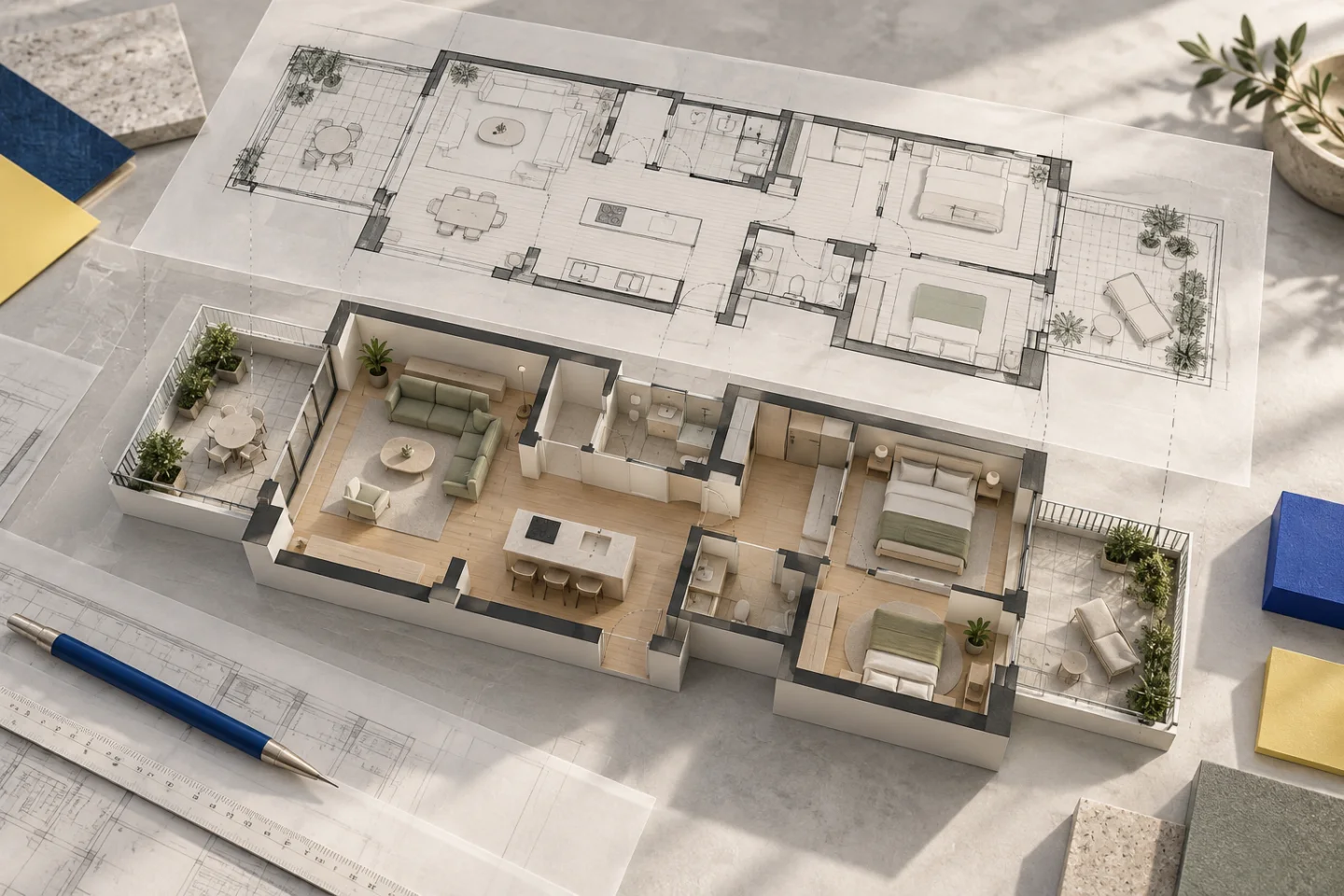
For a house with more than one floor, provide a separate, readable plan for each level and explain their order. Shared structural references matter more than identically sized image crops. The left edge of an upper-floor PNG might represent a projecting wing rather than the same exterior line as the floor below.
Use the actual viewer to check what the image became
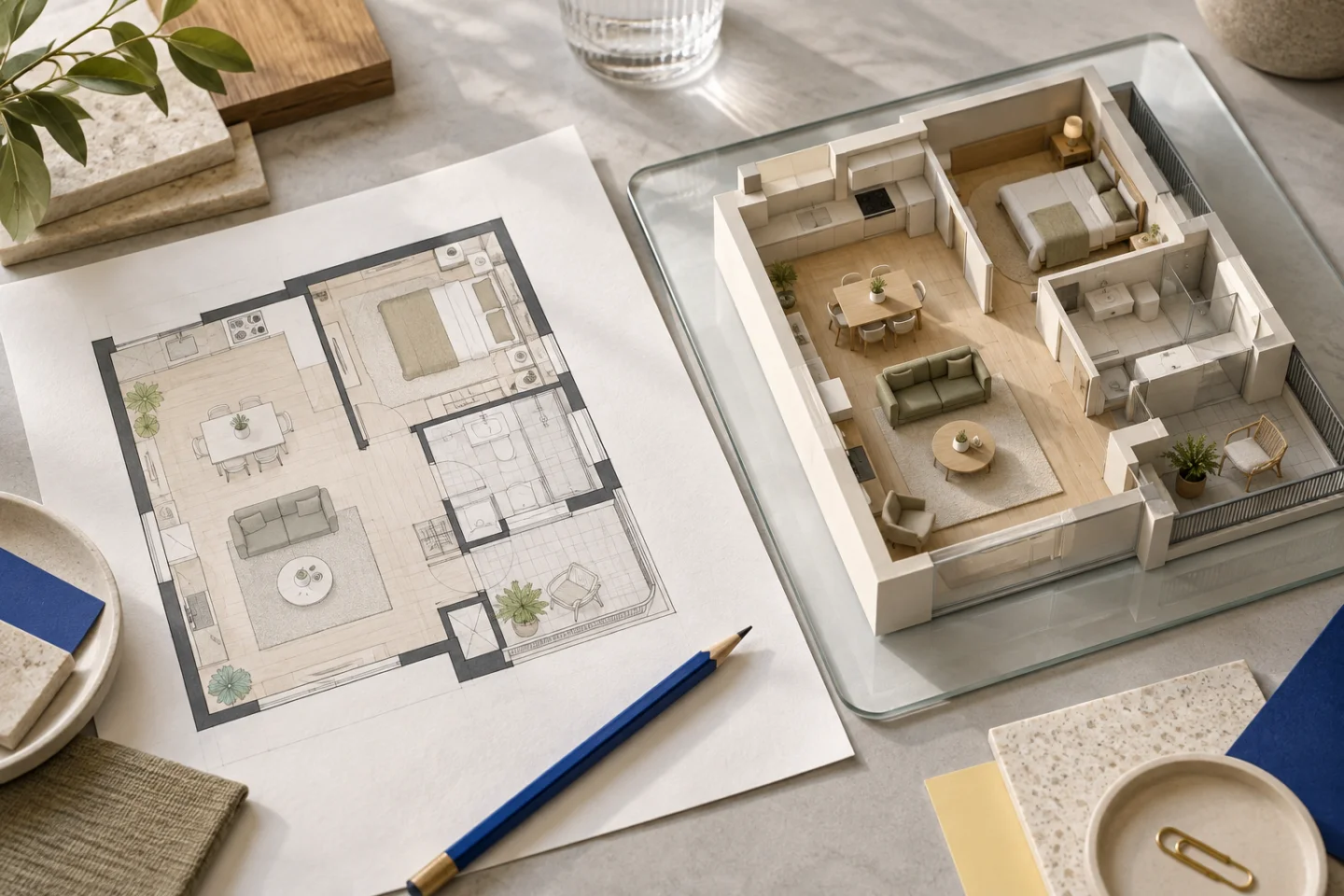
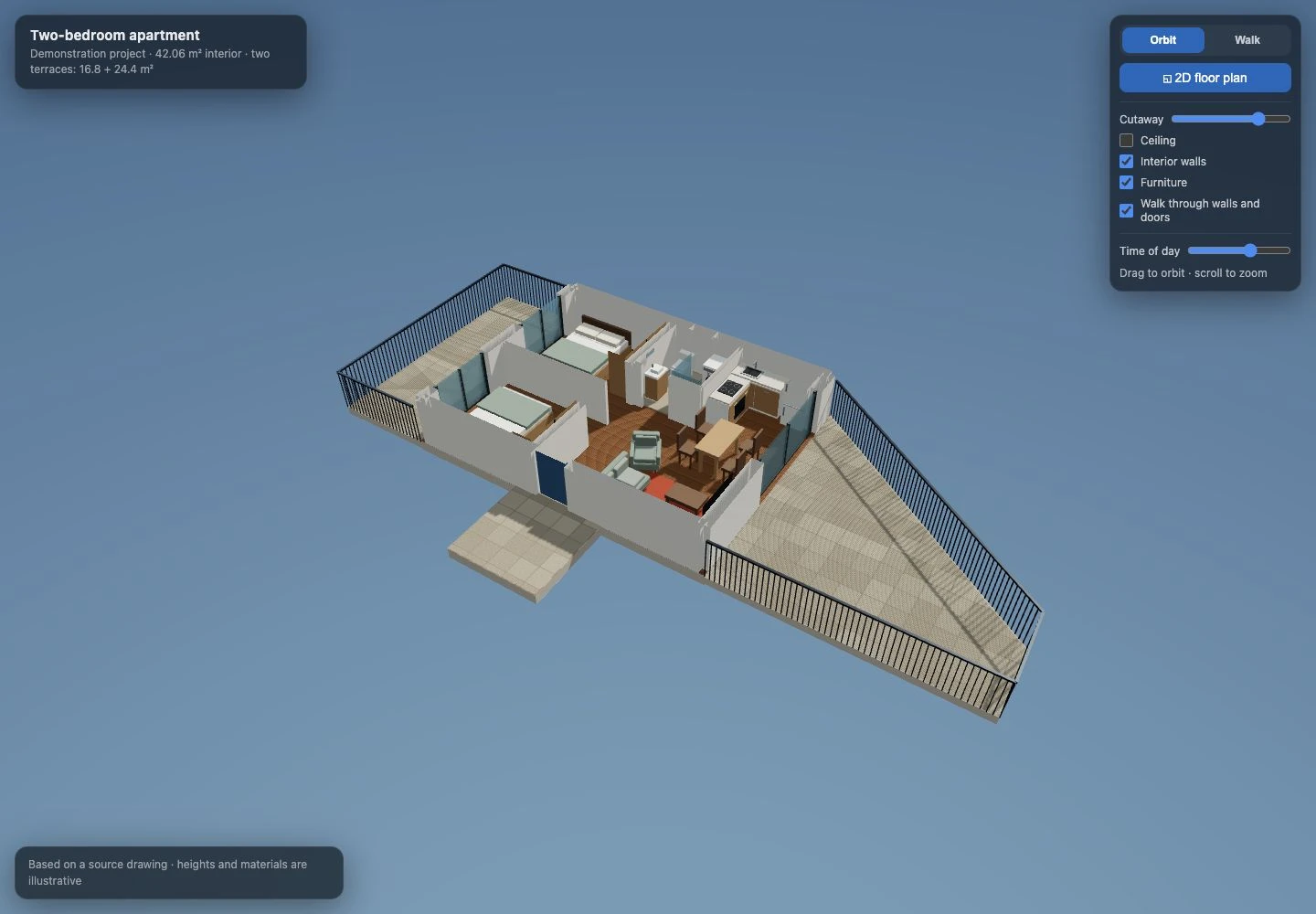
Our two-bedroom apartment demonstration shows why the review needs more than a pleasing first view. Two differently shaped terraces, an open-plan living area and a compact bathroom all depend on their relationships. The real viewer screenshot below lets you inspect those relationships; the generated editorial artwork at the top of this guide is a conceptual illustration, not the delivered geometry.
Compare the exterior outline first, then room divisions and openings. Switch to the 2D plan to inspect relative positions, and use Walk to understand the route past the dining table. If the source shows a sofa with an open end, a generic armrest on that side can change the route even when the overall sofa dimensions look similar.
PNG-to-3D problems you can catch before paying
These checks reduce ambiguity before any model is created. They do not turn an illustrative image into construction documentation. If a wall’s structural role, legal boundary or exact opening size matters to proposed work, confirm it through the appropriate source and professional assessment.
| Source problem | Better next step |
|---|---|
| Lines vanish on a light background | Re-export with readable contrast or a plain background. |
| Text is sharp but tiny | Export the plan at a larger useful scale rather than adding blank canvas. |
| A terrace edge is cropped | Include the complete drawing, including outdoor outlines. |
| No dimensions are shown | Supply a confirmed measurement or request a dimensioned plan. |
| Several options overlap | Upload the intended version and explain alternatives in the brief. |
Create the model, then use revisions deliberately
A Planwalk project costs €20 + VAT and includes three revisions. Five additional revisions cost €5 + VAT. After confirmed payment, the backend creates the model and emails a unique viewing link when it is ready. If the visualisation cannot be completed, all payments for that project, including VAT, are automatically refunded to the original payment method.
Use your first feedback to correct the footprint, partitions and openings. Move to furniture and materials once those relationships are clear. A concise revision can refer to a room and a source detail: rotate the table to match the PNG, keep the sofa’s right end open, or move the armchair away from the route to the terrace.
Questions about this workflow
Does PNG give a more accurate model than JPG?
It can preserve fine image edges better, but accuracy still depends on the source drawing, readable dimensions and interpretation. A good JPG can be more useful than a poor PNG.
Can I upload a transparent PNG?
PNG is supported, but check that all essential linework remains visible and unambiguous. A clear plain background is easier to review.
Does a larger PNG always help?
No. Resizing cannot recover detail missing from the original. Export the source drawing at a useful resolution instead.