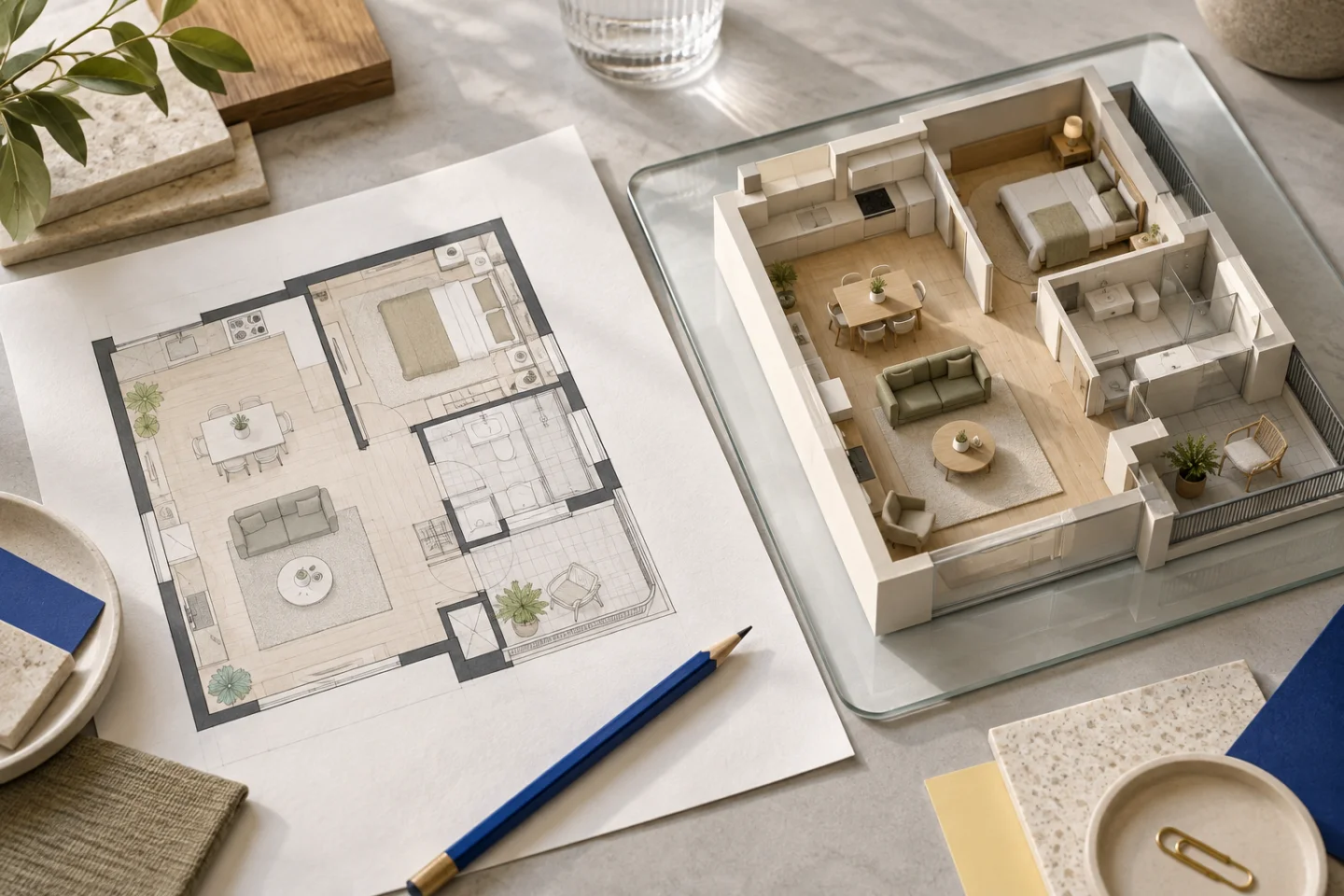
Start with the layout question you actually need to answer
A renovation model is most useful when you know what you want to understand. Perhaps the dining chairs crowd the kitchen, the sofa blocks the terrace route or the entrance has nowhere to put storage. Those are specific questions a 3D apartment layout can help you explore. Choosing every finish before checking them can make the model attractive without making the decisions clearer.
Write a brief that separates the current apartment from your proposals. Identify walls and openings that are confirmed, and describe the alternatives you want to try. A proposed new doorway is not an existing fact simply because it appears in a model. Keep that distinction through each revision, particularly when someone else will use the viewing link to discuss the plan.
Check the apartment shell before arranging furniture
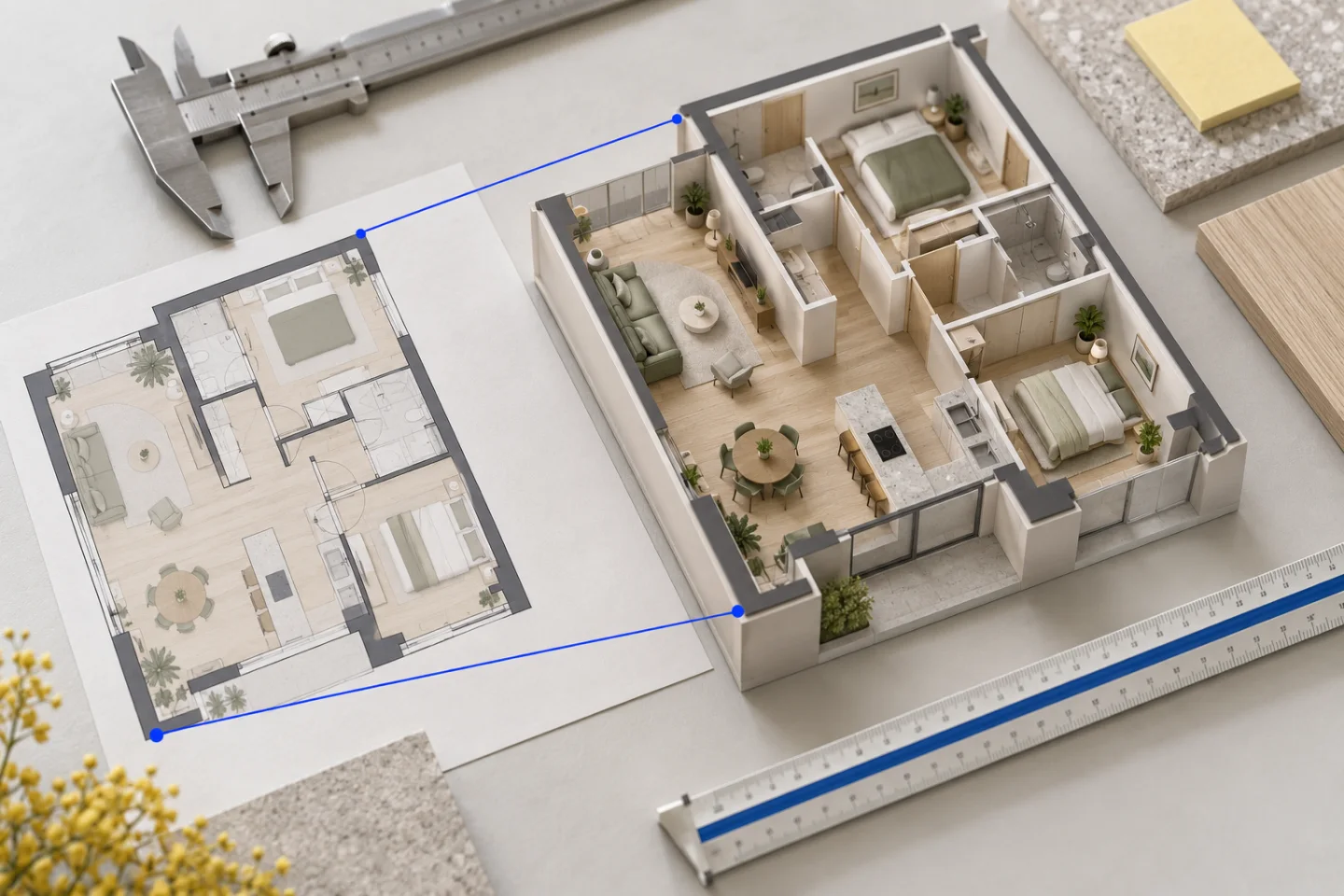
Compare the outside outline, internal walls and room connections with the source drawing. Confirm the entrance and the location of bathroom and kitchen areas. An early geometry error affects everything placed around it, so correcting a misplaced partition first is more useful than making the sofa fit around an incorrect room.
Use the 2D view to compare positions and the 3D orbit to understand relationships. Then walk from the entrance into the main living space. Check that the model is not mirrored and that terrace access sits on the intended side. These basic source checks should come before the appearance of decorative pieces.
Treat a dining table as more than a rectangle
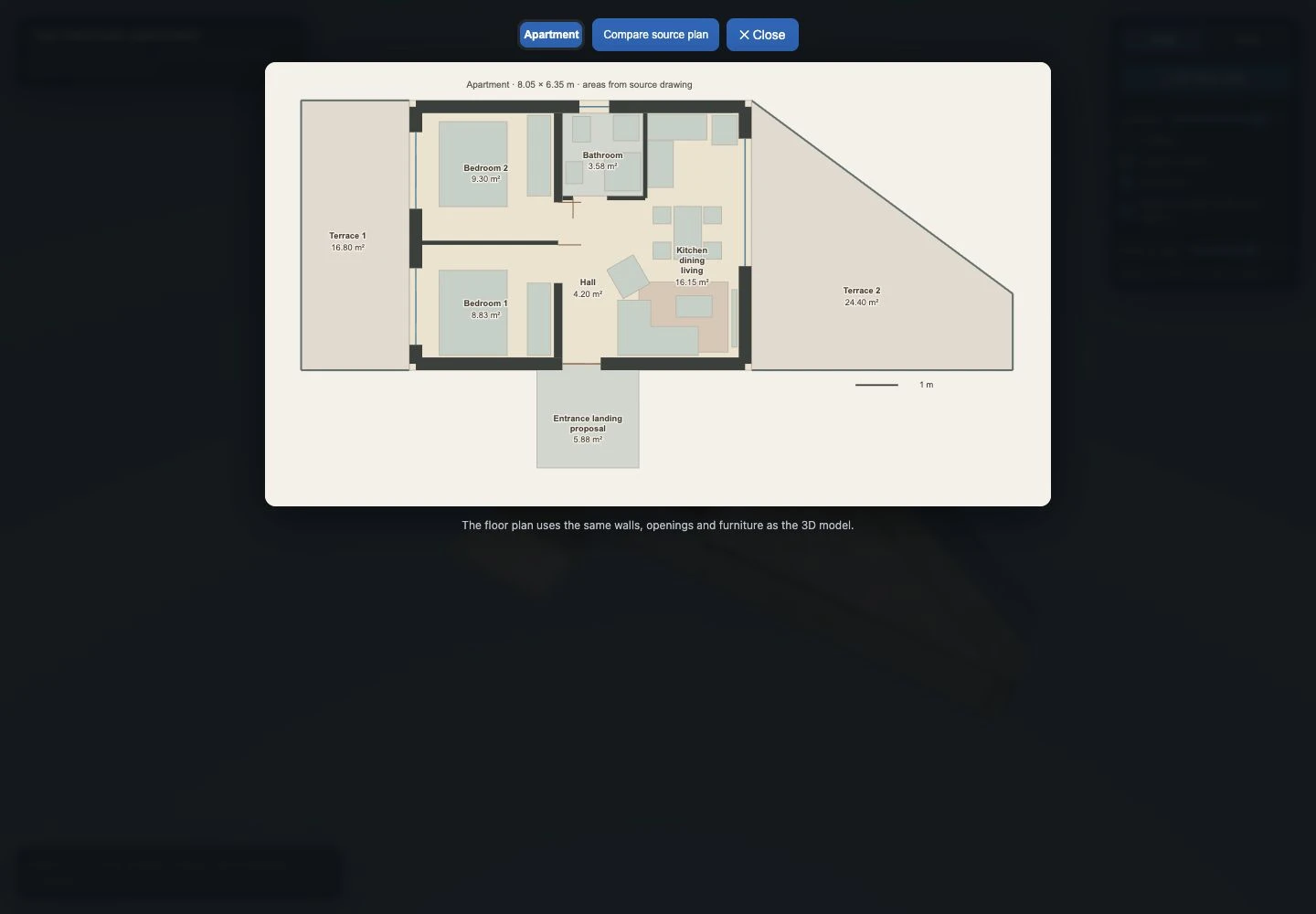
A tabletop may fit neatly in the middle of a room while leaving too little space for its chairs. Review the occupied furniture as a group: table orientation, chair positions, the kitchen edge and the route past them. Look at the arrangement from above, then at eye level. A tidy top view can conceal an awkward route between pieces.
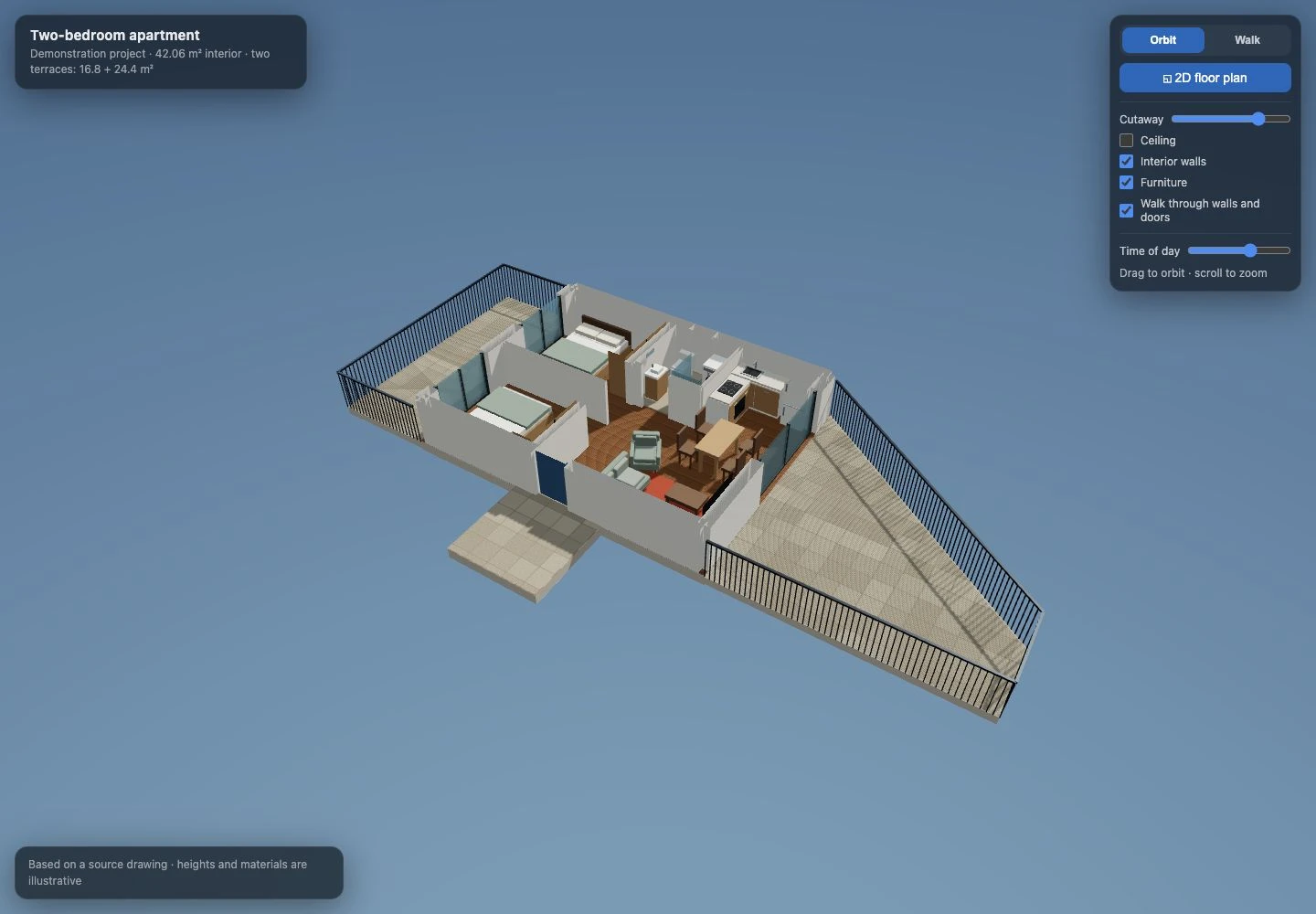
Our apartment demonstration exposed exactly this relationship during development. The table and chairs needed to rotate together to follow the plan, and a chair could not be allowed to pass through the kitchen cabinetry. The eventual kitchen return was also shortened after another source comparison. These observations make a better review checklist than asking whether the dining area simply looks spacious.
Check the sofa and armchair as part of circulation
A corner sofa has a handedness: the return can occupy different sides of the room. Turning it or reversing its long and short sections changes the route around the coffee table and towards a door. Also check which end has an armrest. An open end may be an intentional part of the arrangement, rather than a missing decorative feature.
In our demonstration, the corner orientation, open end and armchair position were all refined. Use the screenshot as a real product-development example, then review your own source rather than copying the arrangement. Before ordering furniture, compare the dimensions of the actual products; illustrative furniture is a planning aid rather than a purchase specification.
Walk the routes you will use every day
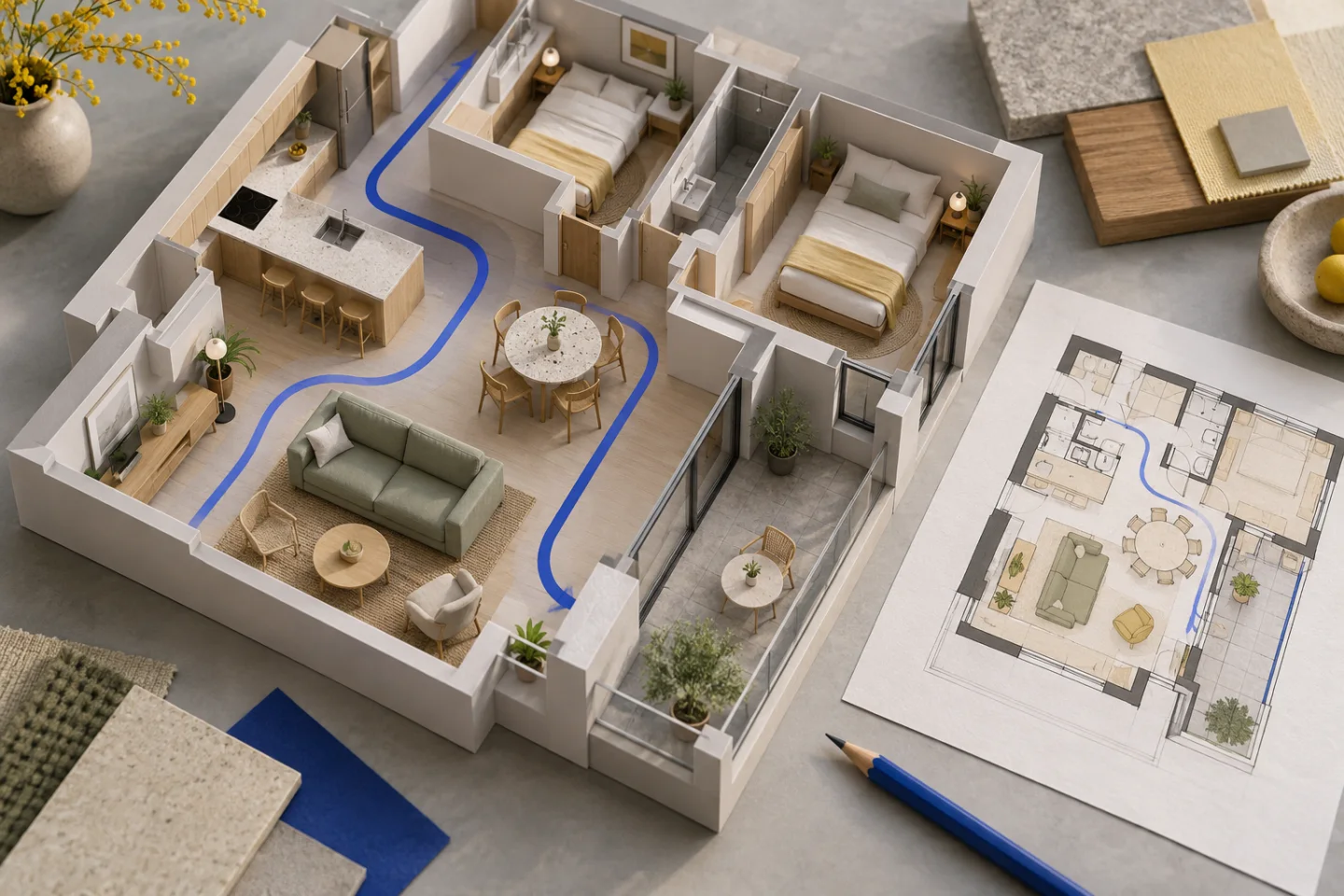
Move from the entrance to the kitchen, bathroom, bedrooms and outdoor space. Check the route when chairs are occupied and doors are open. Think about carrying groceries, opening a wardrobe or moving past a person working at the counter. The model helps make these relationships visible, but use real dimensions and appropriate accessibility or design advice where those requirements matter.
Planwalk’s walk-through can pass through walls and doors by default so you can explore freely. That navigation convenience is not a clearance test. Use the visible geometry, source dimensions and furniture proportions to judge the arrangement, rather than assuming a path is practical because the camera can move through it.
Keep proposed building work separate from visual possibilities
A model can show a wall removed without establishing whether removal is structurally or legally possible. Plumbing, ventilation, electrical routes, waterproofing and building approvals are different questions from how a room looks. Record your proposed change as a proposal and have the relevant professional assess it before work starts.
Likewise, an attractive kitchen layout does not confirm cabinet specifications or installation clearances. Use the visualisation to communicate the intended arrangement, collect questions and compare options. A qualified designer, contractor or engineer may need further information before the proposal becomes a buildable design.
Use revisions in a sensible order
First correct geometry and openings. Next refine furniture orientation and circulation. Leave finishes and illustrative colours until the arrangement makes sense. Consolidate related observations into one request and reference the room and source detail. This keeps each revision focused on a decision rather than a stream of disconnected messages.
A Planwalk project costs €20 + VAT and includes three revisions. Five additional revisions cost €5 + VAT. After confirmed payment, the backend creates the model and emails a unique viewing link when it is ready. If the visualisation cannot be completed, all payments for that project, including VAT, are automatically refunded to the original payment method.
Questions about this workflow
Can the model tell me whether I can remove a wall?
No. It can illustrate the idea, but structural and legal feasibility need appropriate professional assessment.
Can I test my own furniture dimensions?
Include confirmed product dimensions and the placement you want to explore in your brief or revision request. Always check the real products before ordering.
Does walk-through movement prove a route is wide enough?
No. Pass-through navigation is enabled by default and can ignore walls. Inspect the visible geometry and confirm the relevant clearances.